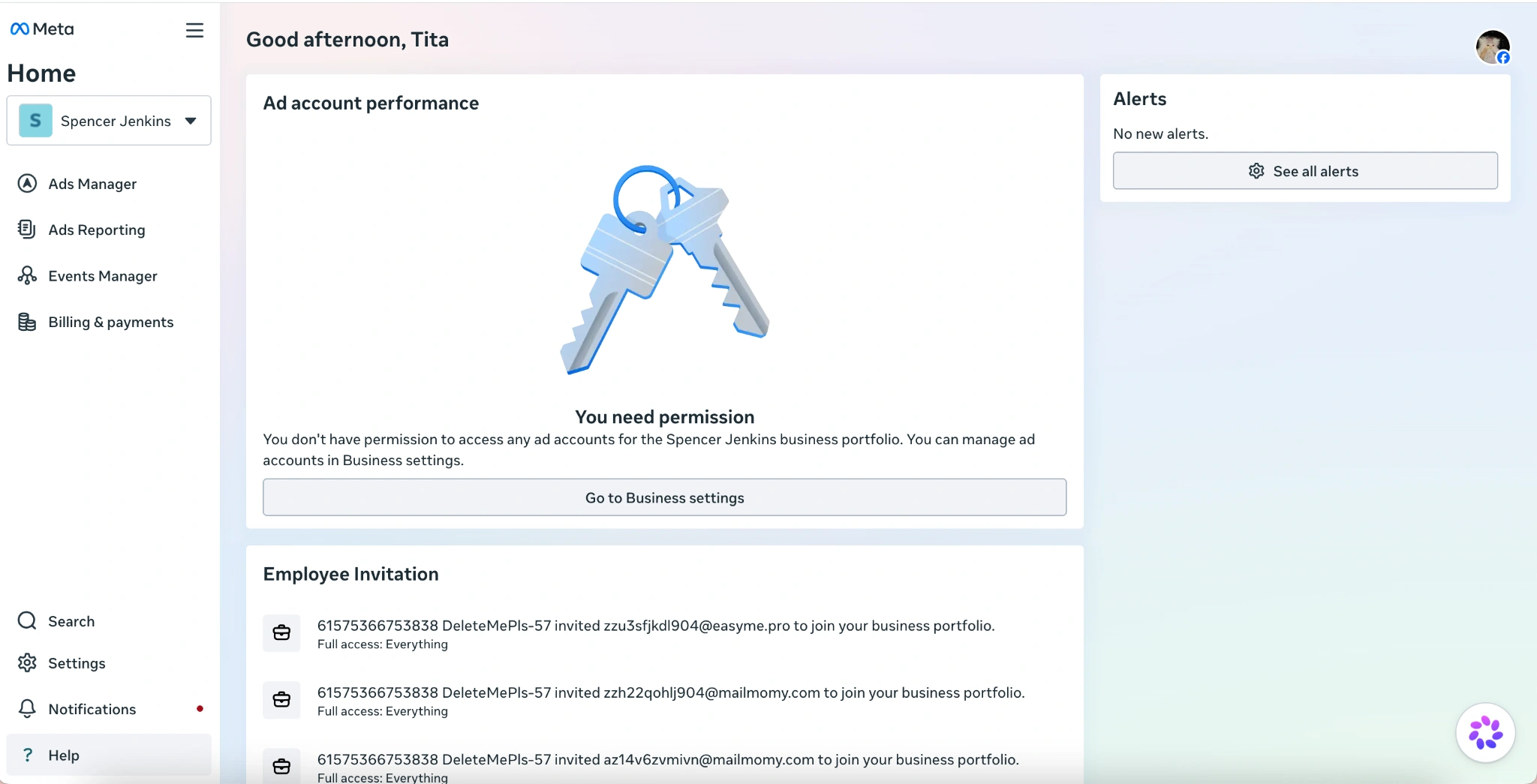
Facebook / Meta — How to accept Business Manager (BM)
Published on Jul 16, 2026
facebookmeta-businessbusiness-manager
How to accept Business Manager (BM) into your Meta Business account
How to accept Business Manager
Step 1 — After purchase, get your Business Manager (BM) link from the seller or our support team.
Example format you may receive:
834949609461966 | https://business.facebook.com/invitation/?token=...
- BM ID =
834949609461966 - Business Manager link = the part after
|, starting withhttps://business.facebook.com/invitation/?token=...
Step 2
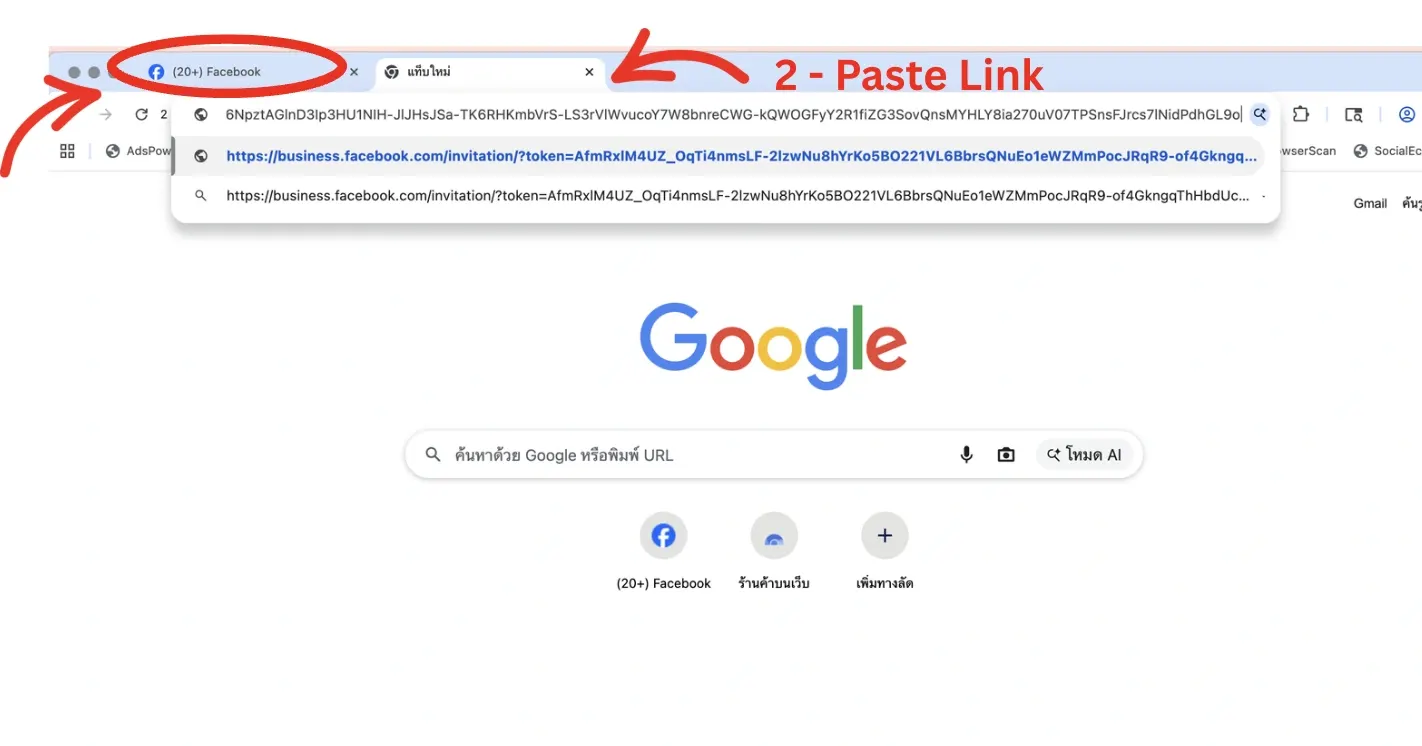
- Open your Facebook profile
- Open a new tab next to your Facebook profile, then copy and paste your BM link
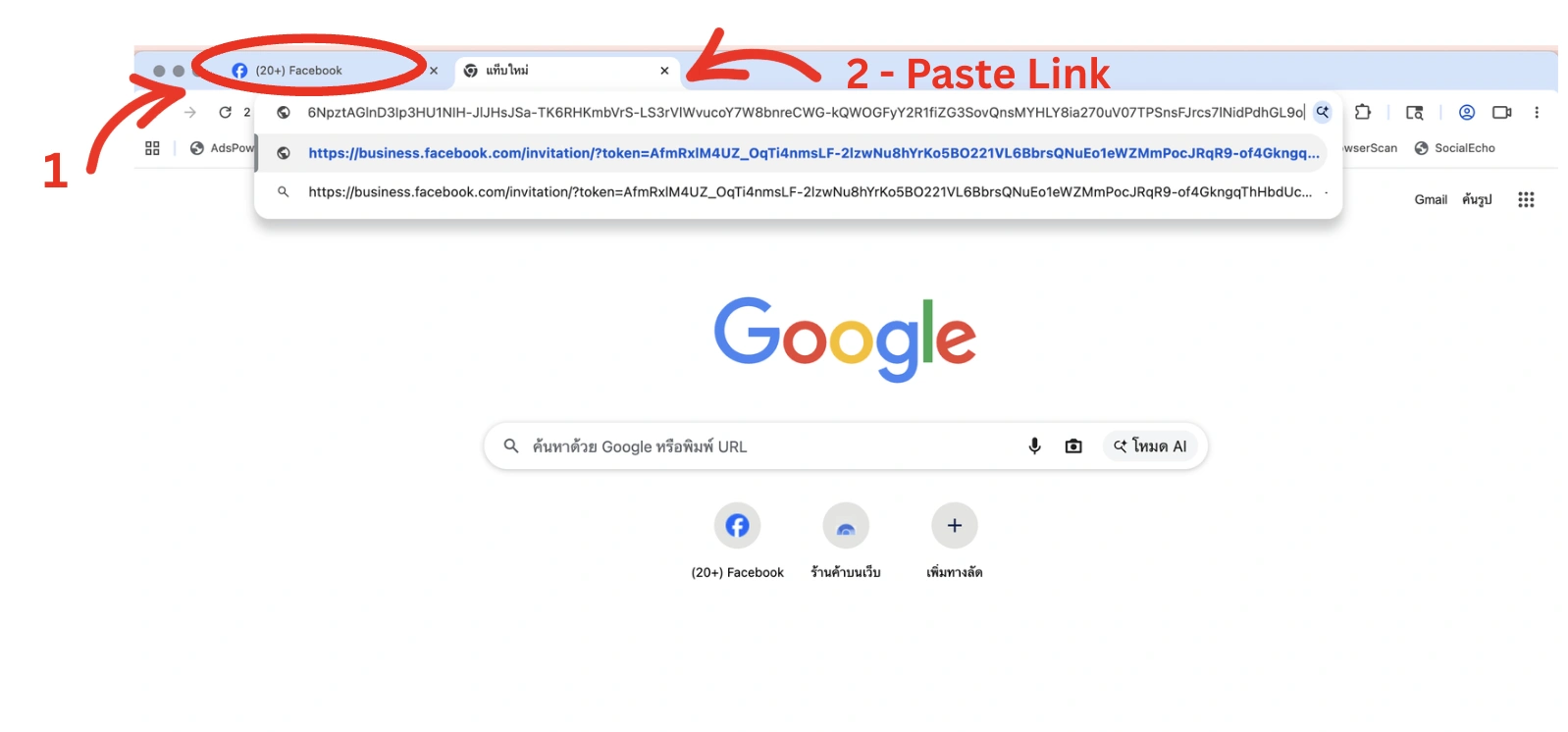
Step 3 — Press Continue with Facebook.
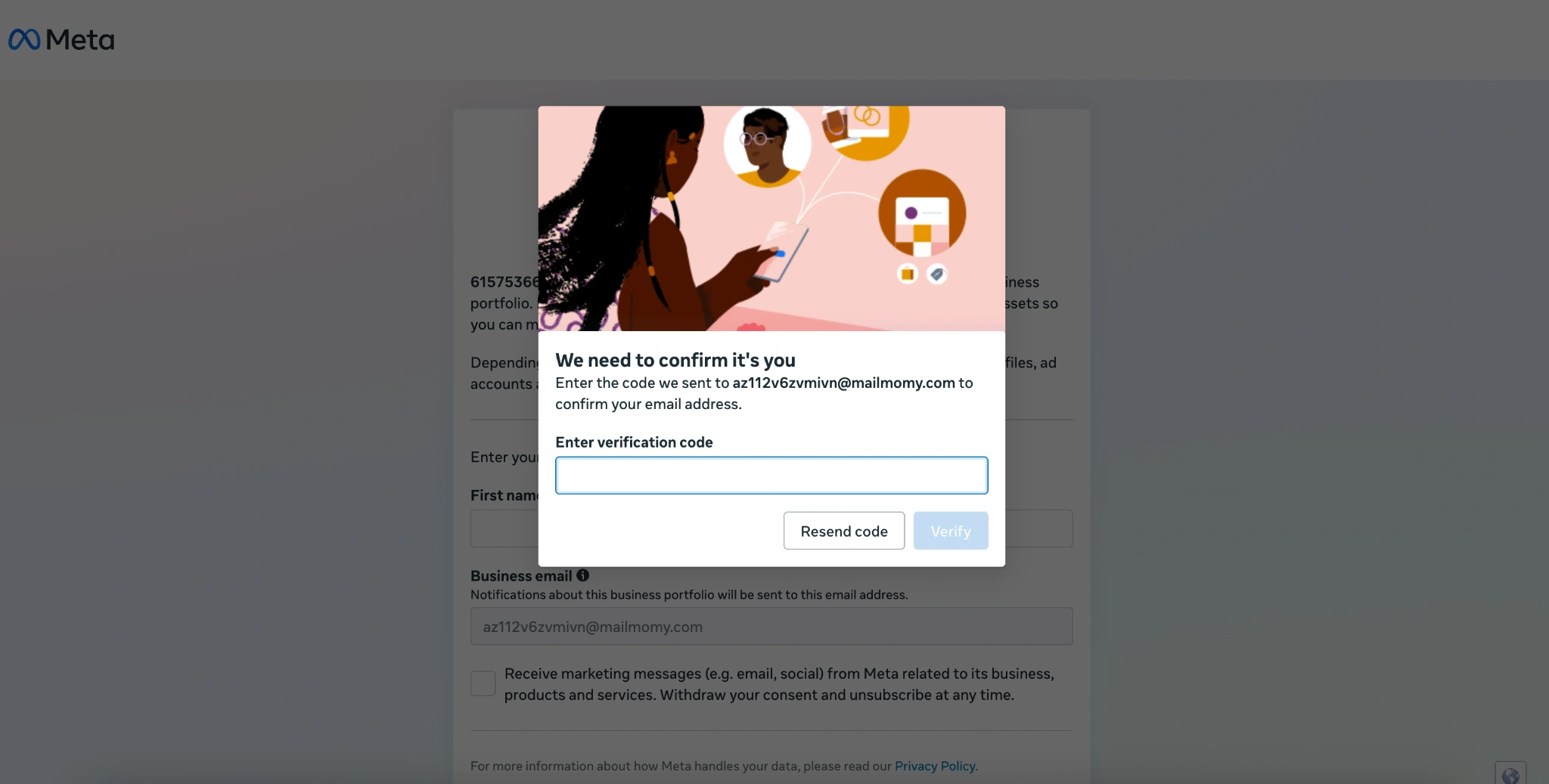
Step 4 — Verify your email. Enter the code sent to your email, then press Verify.
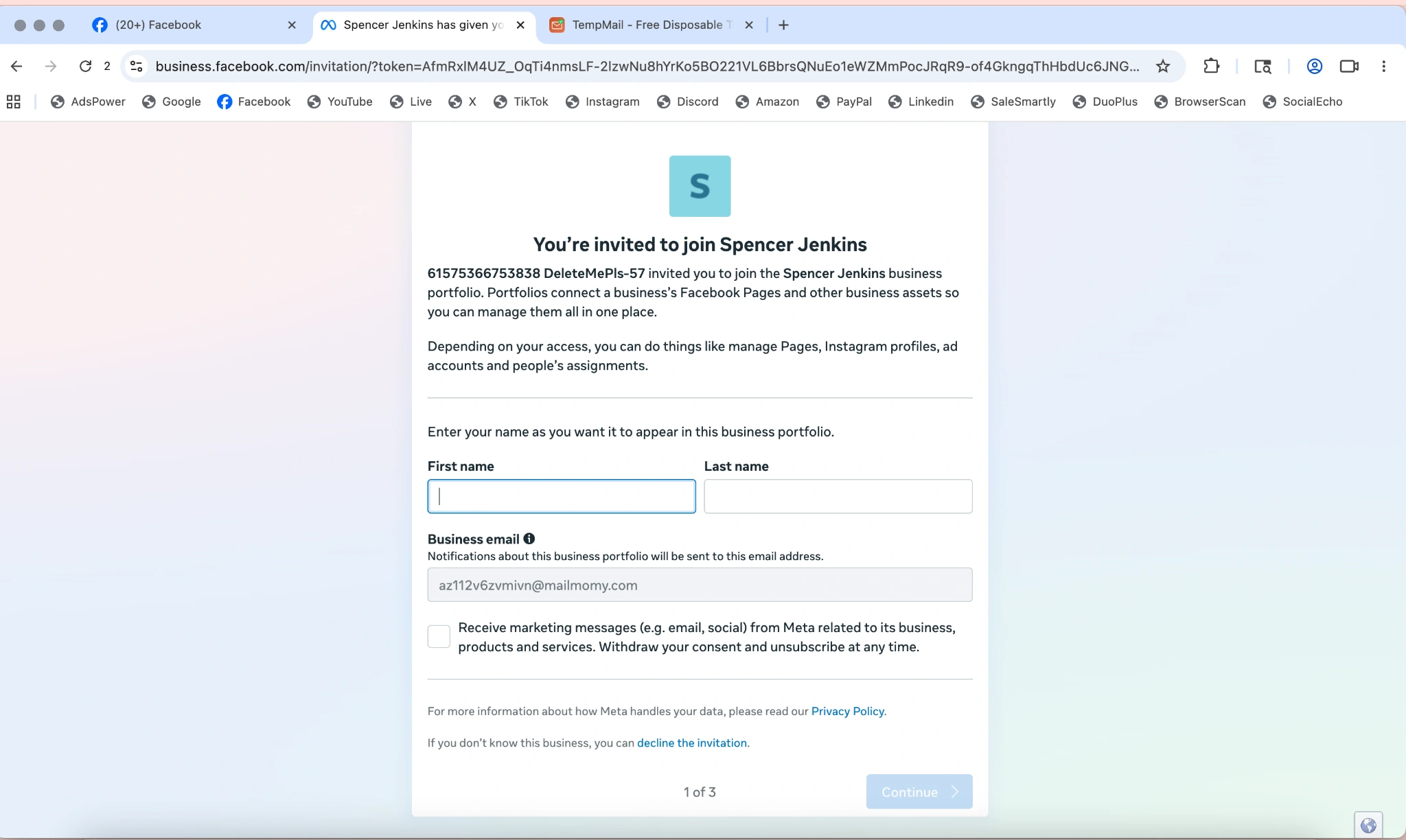
Step 5 — Set your display name for this Business Manager, then press Continue.
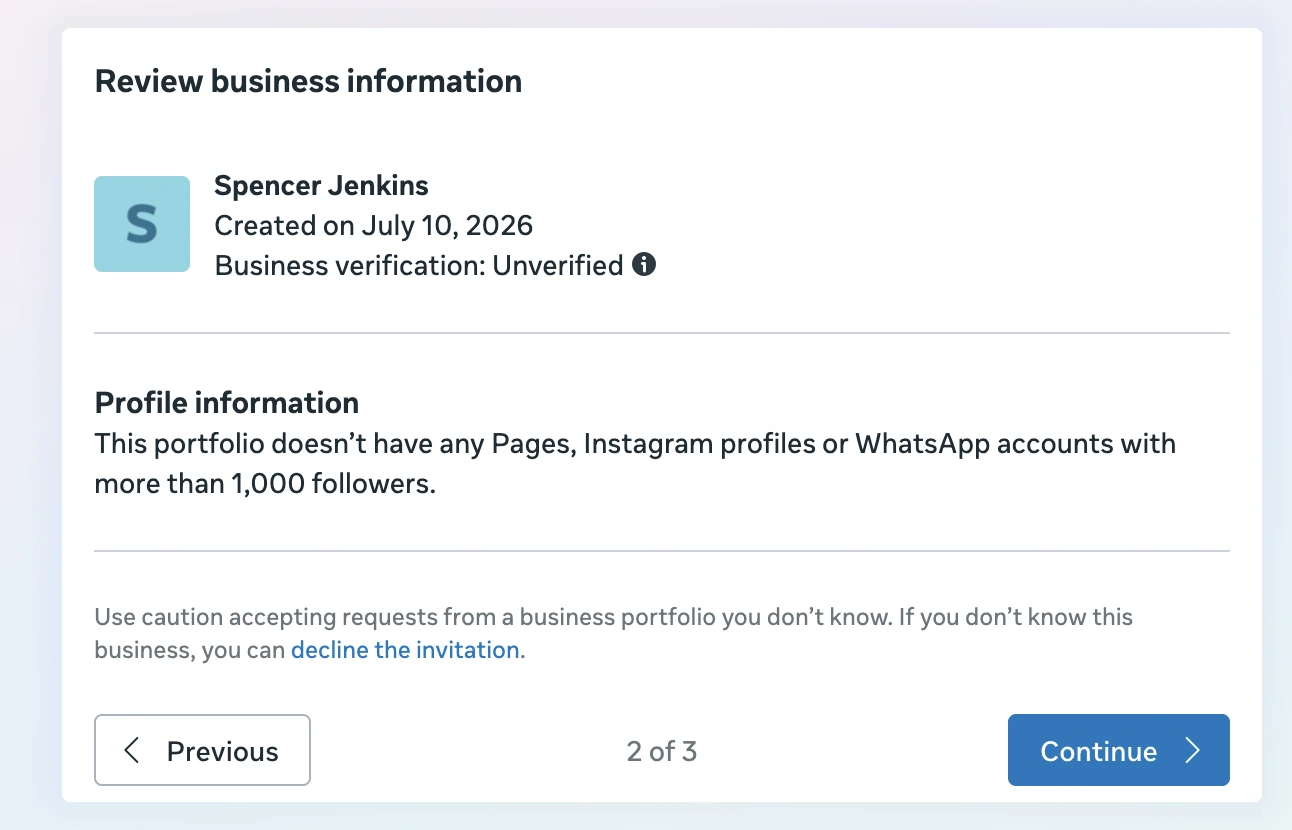
Review the business information, then press Continue.
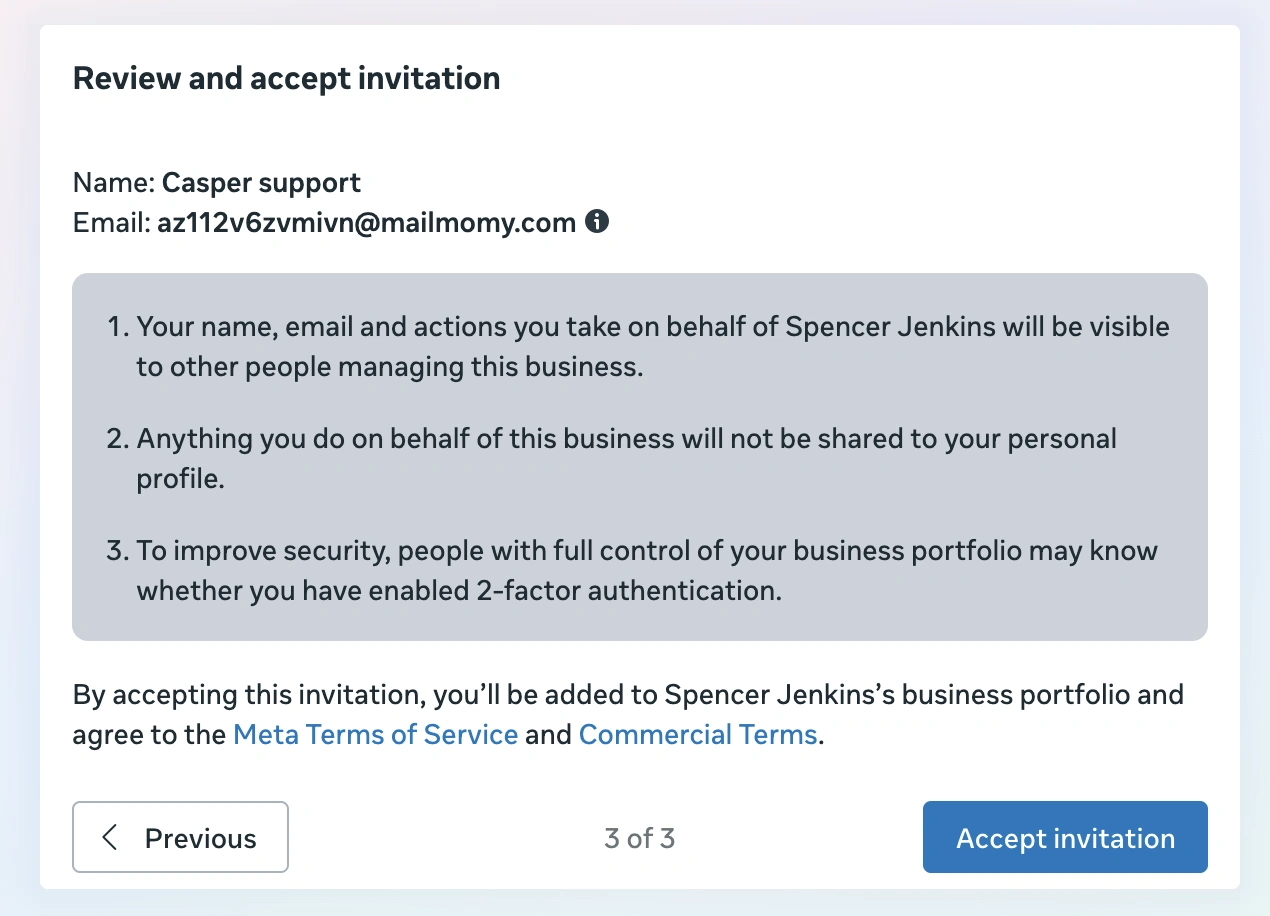
Review once more, then press Accept invitation.
Successfully accepted Business Manager — you will land in Meta Business Suite.