Facebook / Meta Business Manager (BM) — How to grant ads account access to your admin
How to grant access to your admin
Way 1: Share your Business Manager and your ads account
Manage the same BM together with your admin.
Step 1 — Before you can assign an admin to manage your ads account, you first have to share access to your Business Manager (BM) with them.
Please refer to the related user manual: How to share your Business Manager (BM).
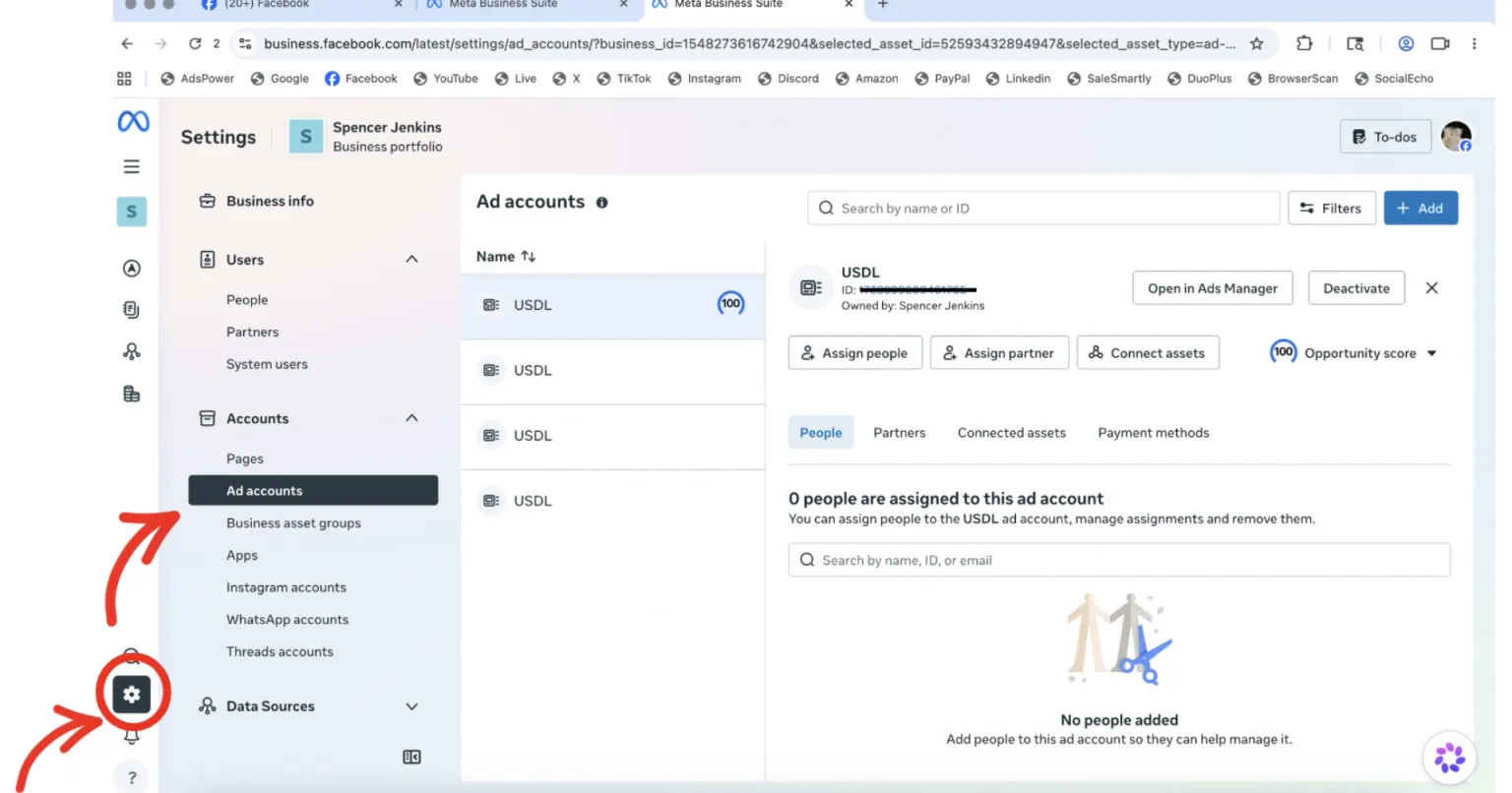
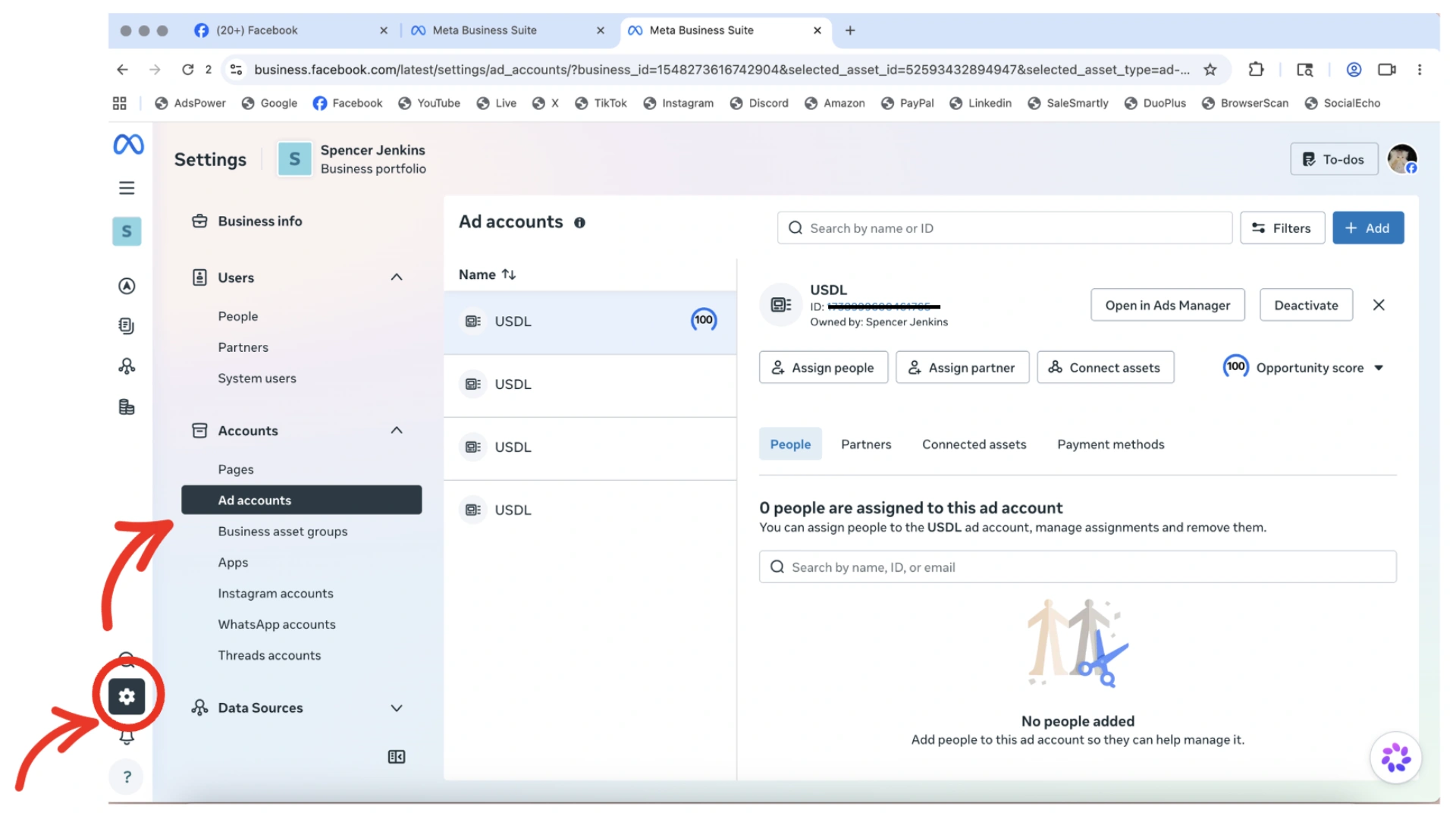
Step 2 — Go to your Meta Business Suite:
- Settings
- Ads Account
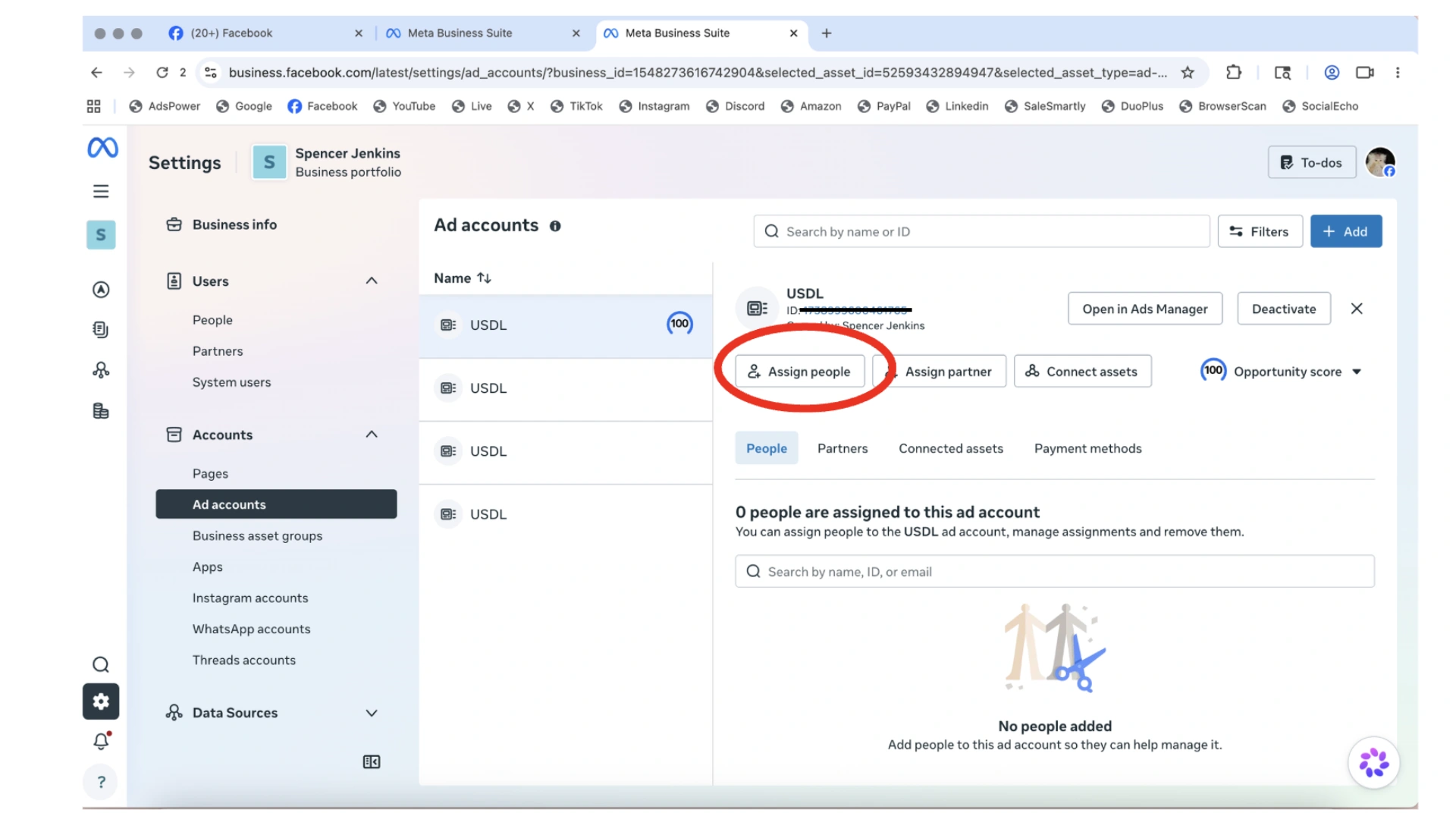
Step 3 — Press Assign People.
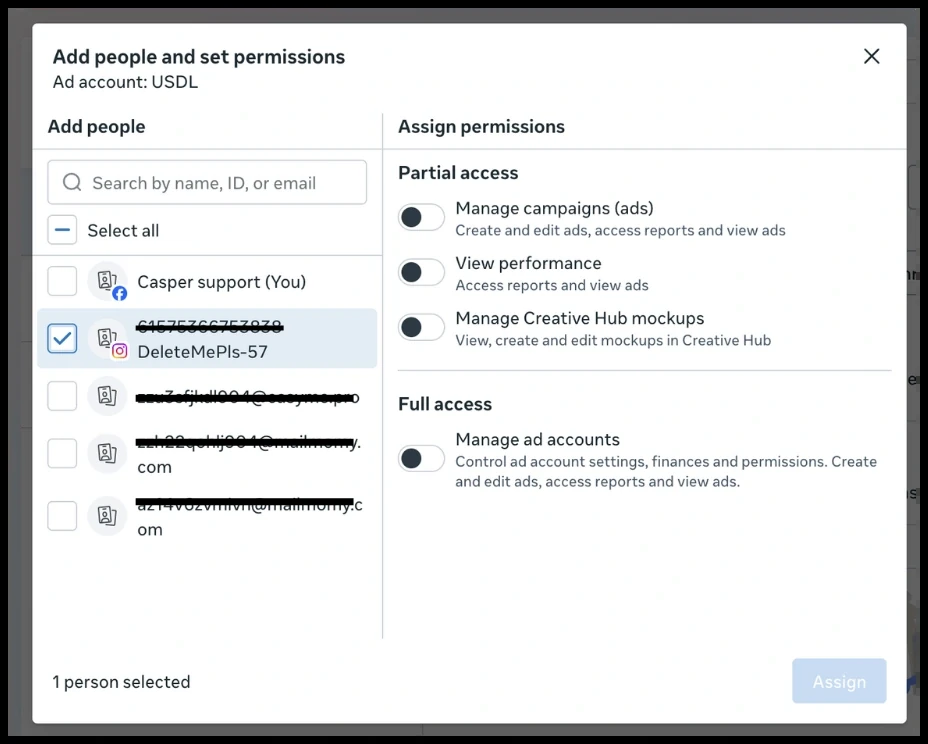
Step 4 — Assign the admin account you have already shared your BM with, then select the permissions (Partial / Full access).
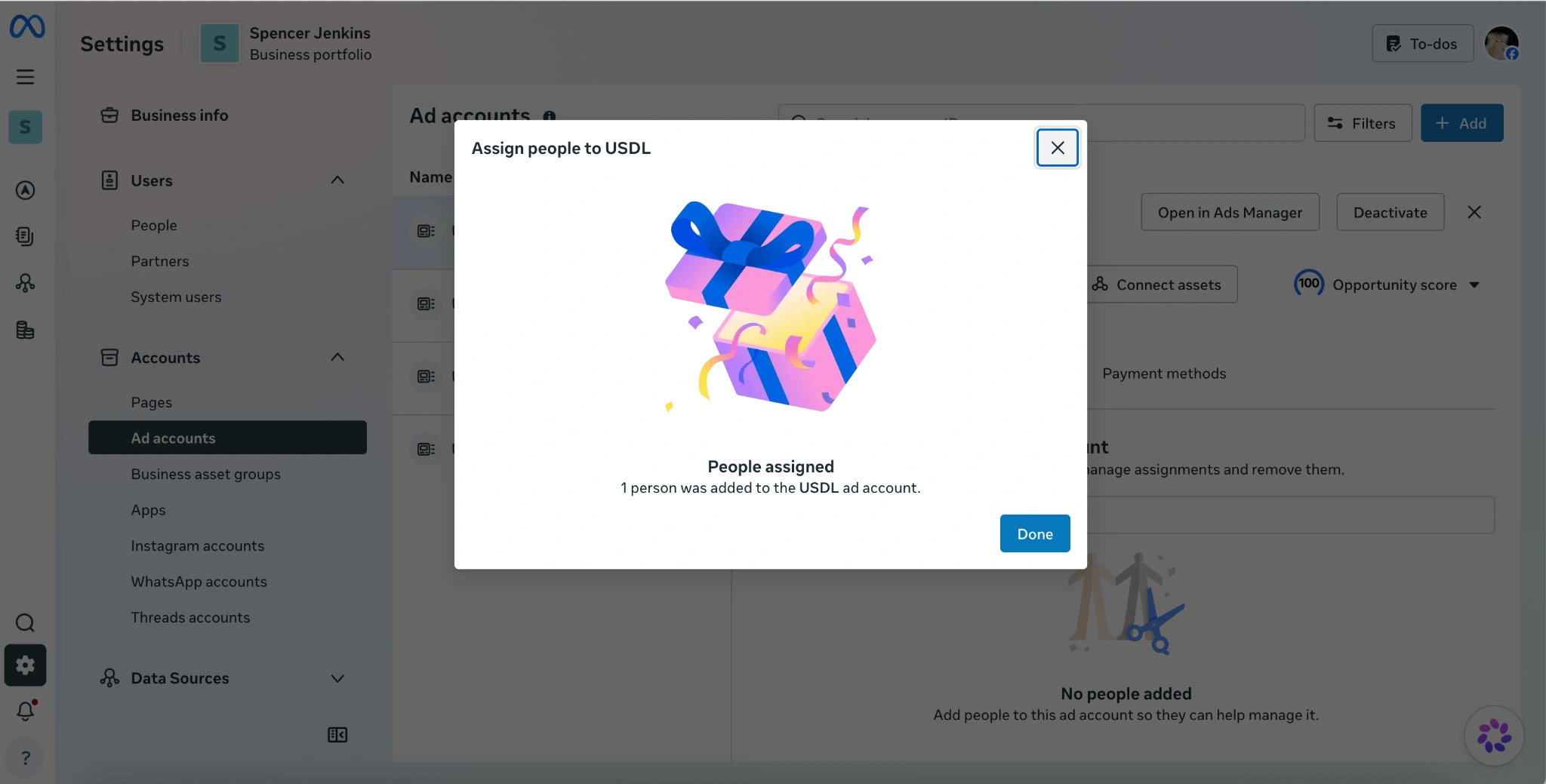
Successfully invited.
Way 2: Share your ads account with another Business Manager
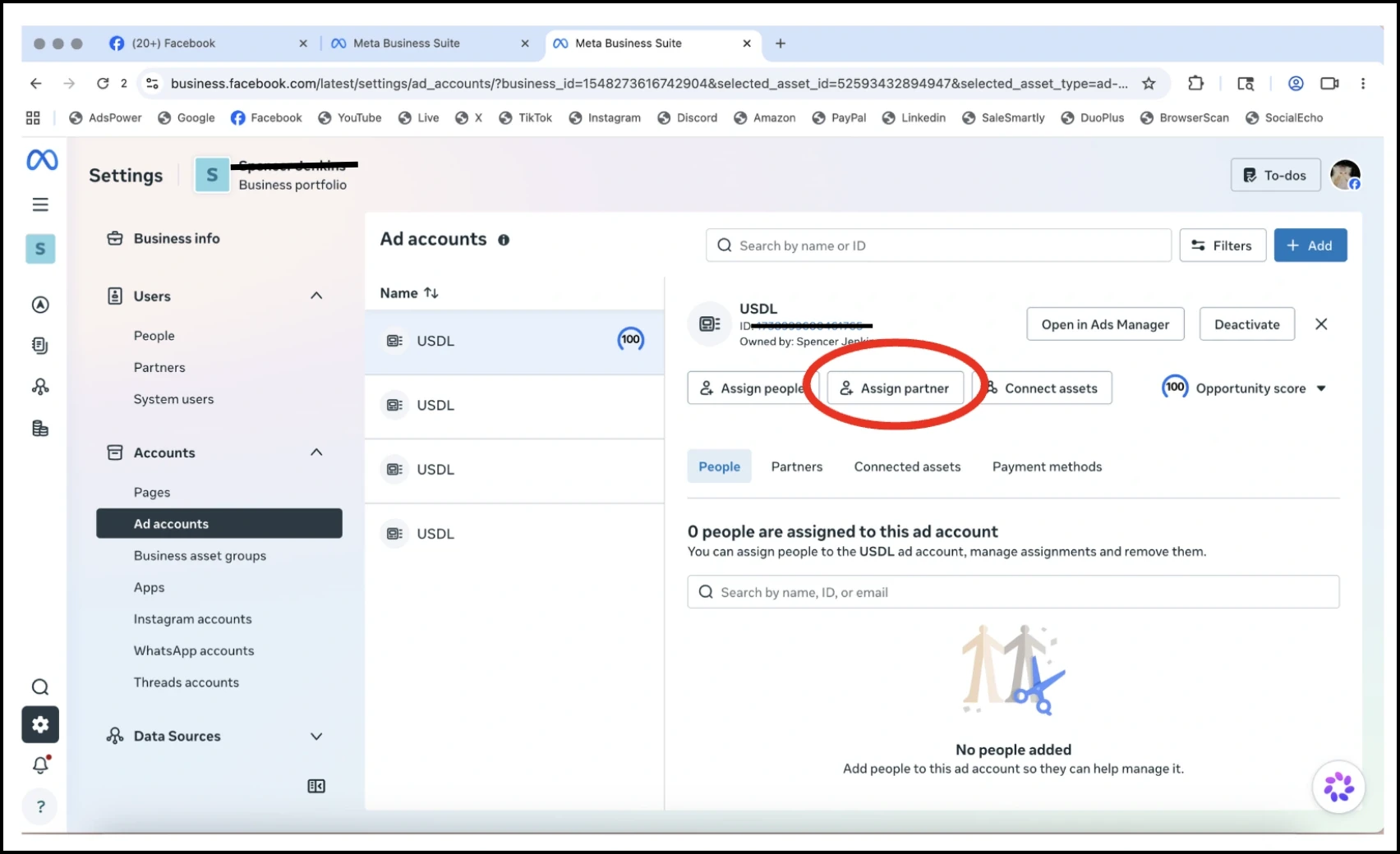
Step 1 — Press Assign Partner.
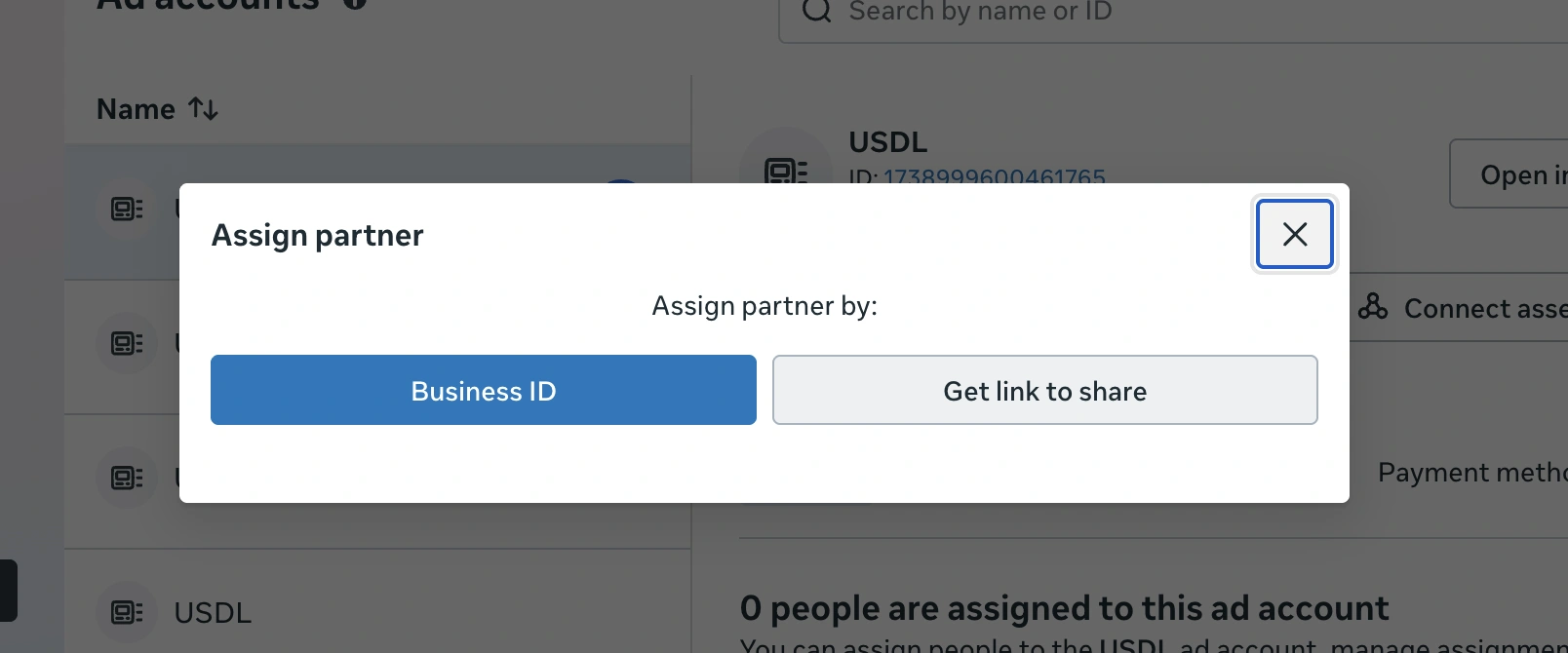
Step 2 — Press Get Link to share.
Step 3 — Select the permissions (Partial / Full access) you would like your partner to have.
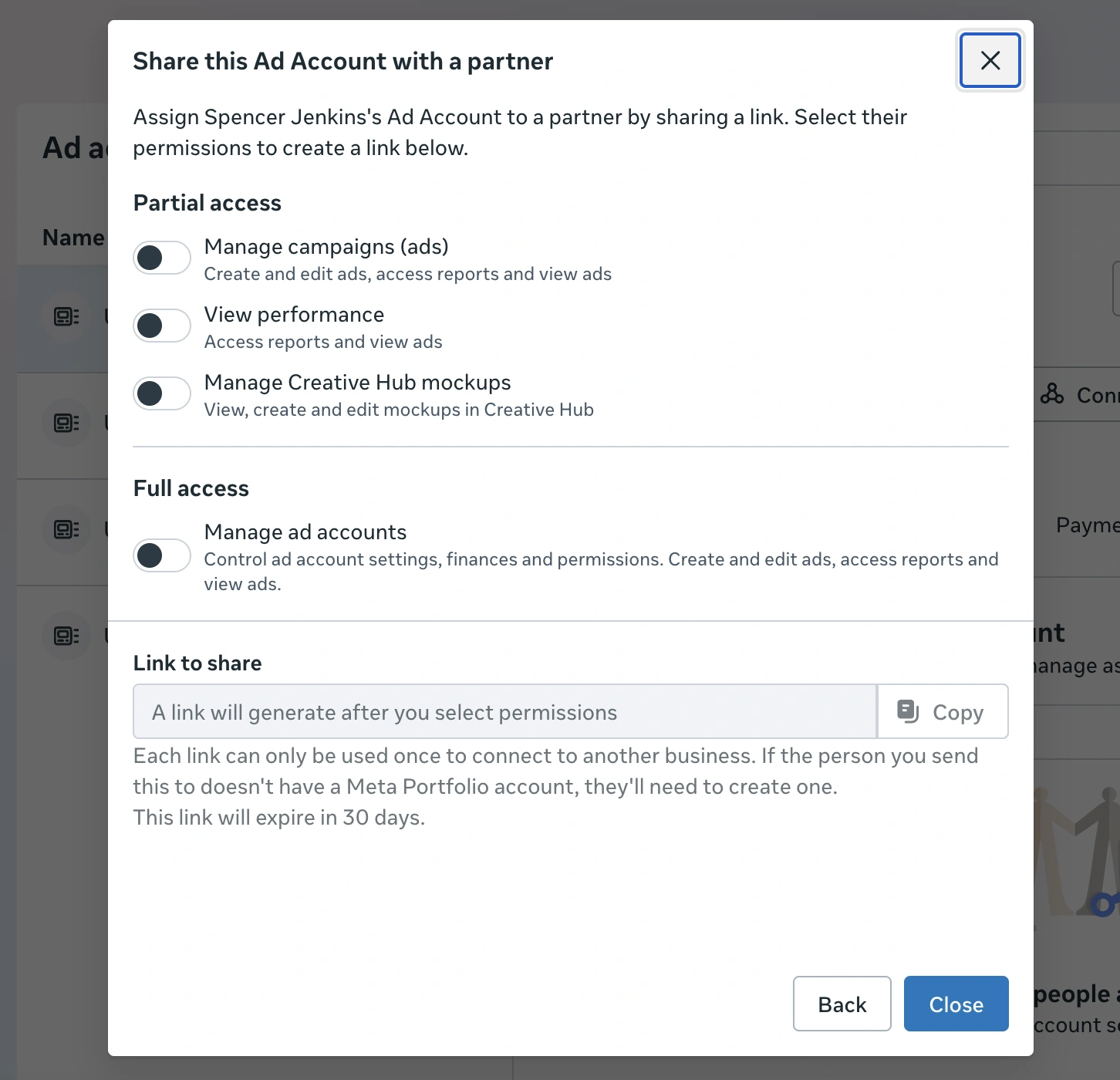
Step 4 — Copy the link and send it to your partner. Each link can only be used once.
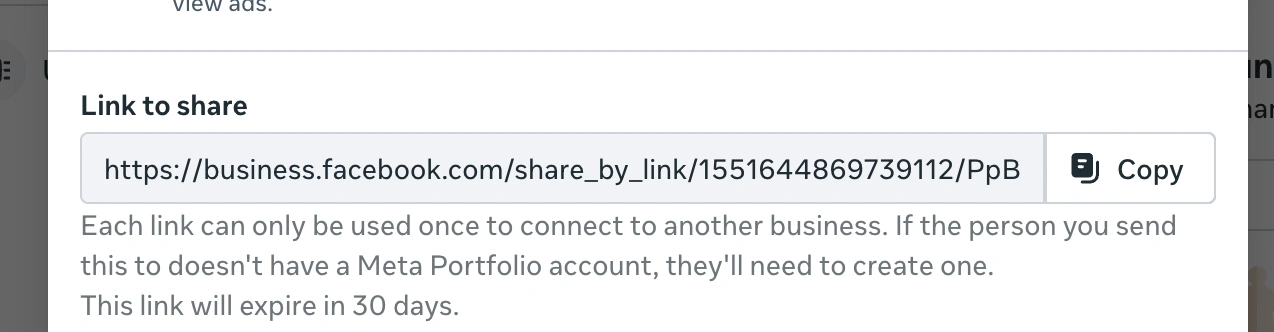
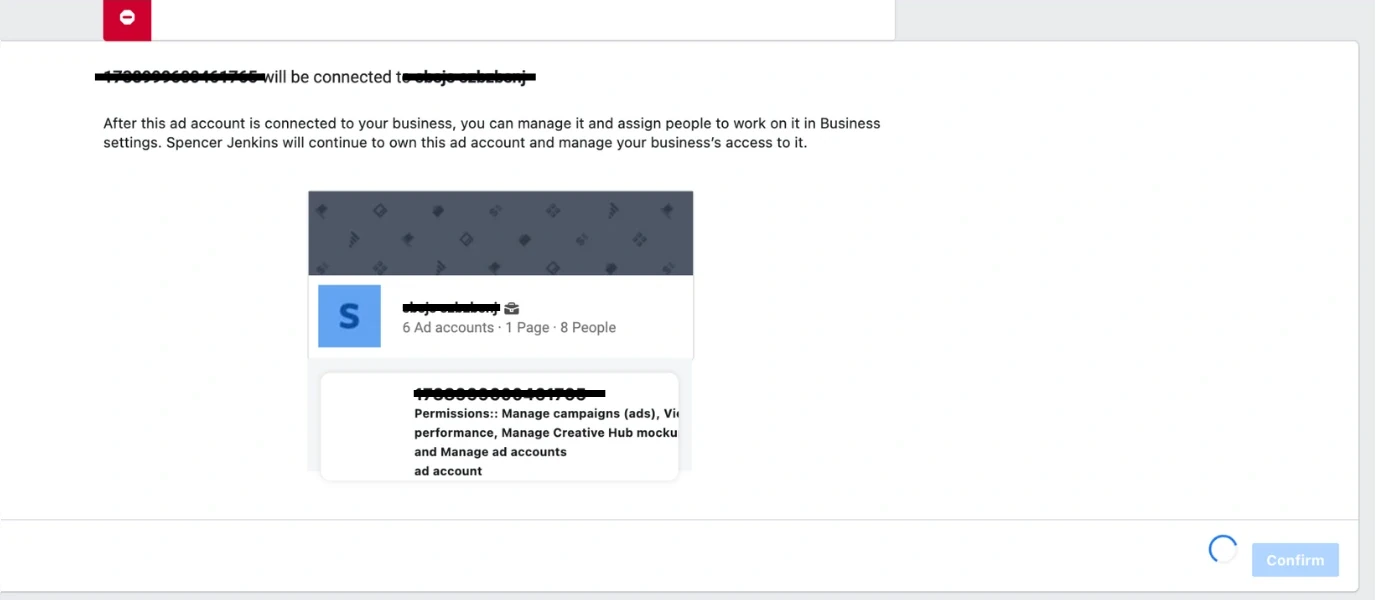
Let your partner copy and paste the link using the Facebook profile that will accept this ads account, then select the Business they would like to use with this ads account.
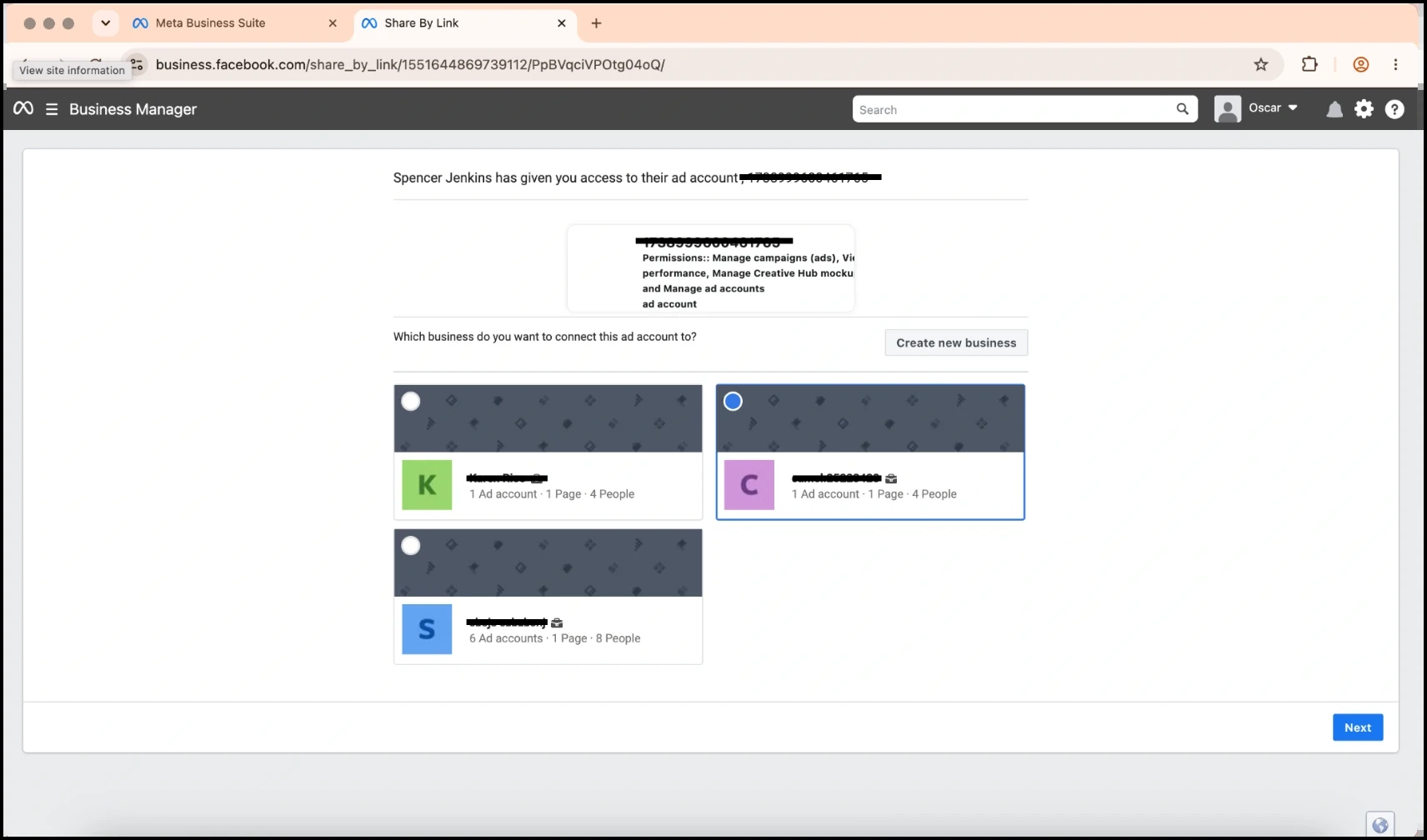
The page redirects to the partner's Business Manager — the connection is successful.