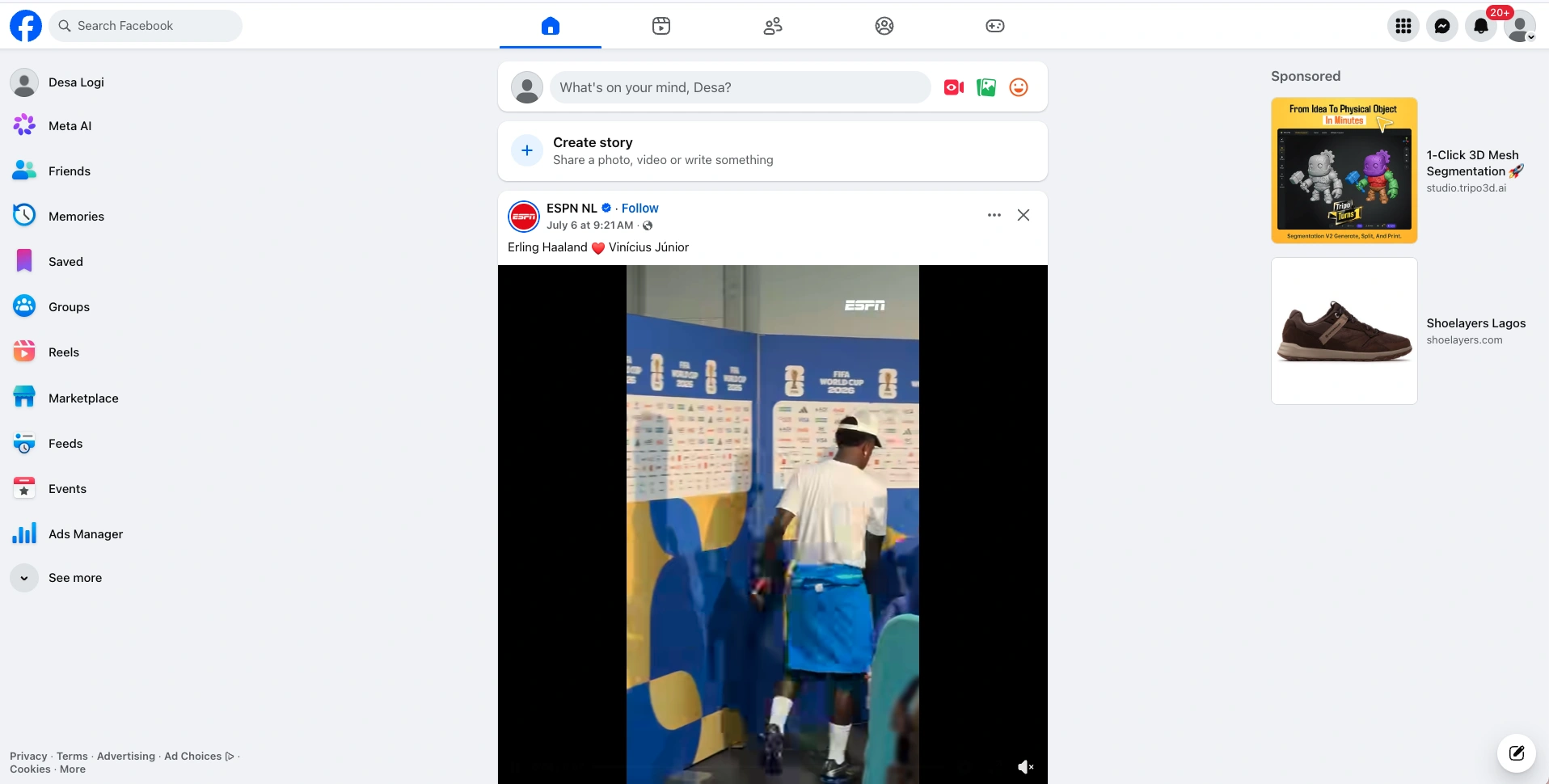
Facebook — Account login via Cookie
How to log in to a Facebook account using cookies
Step 1 — Open a completely fresh browser.
Use a new browser with no cached data, cookies, or browsing history. It is essential that the browser instance is entirely fresh.
(Using an anti-detect browser like ADSPower allows you to isolate IP addresses for each profile. This prevents account suspensions from triggering a chain reaction that compromises your other accounts)
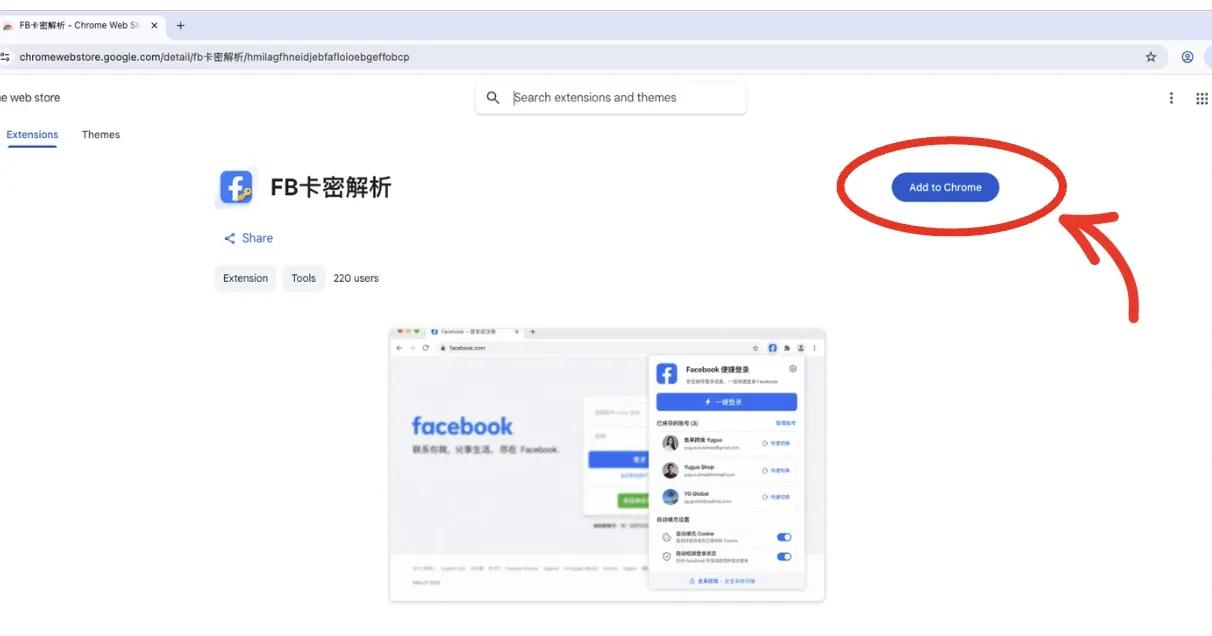
Open the plugin URL:
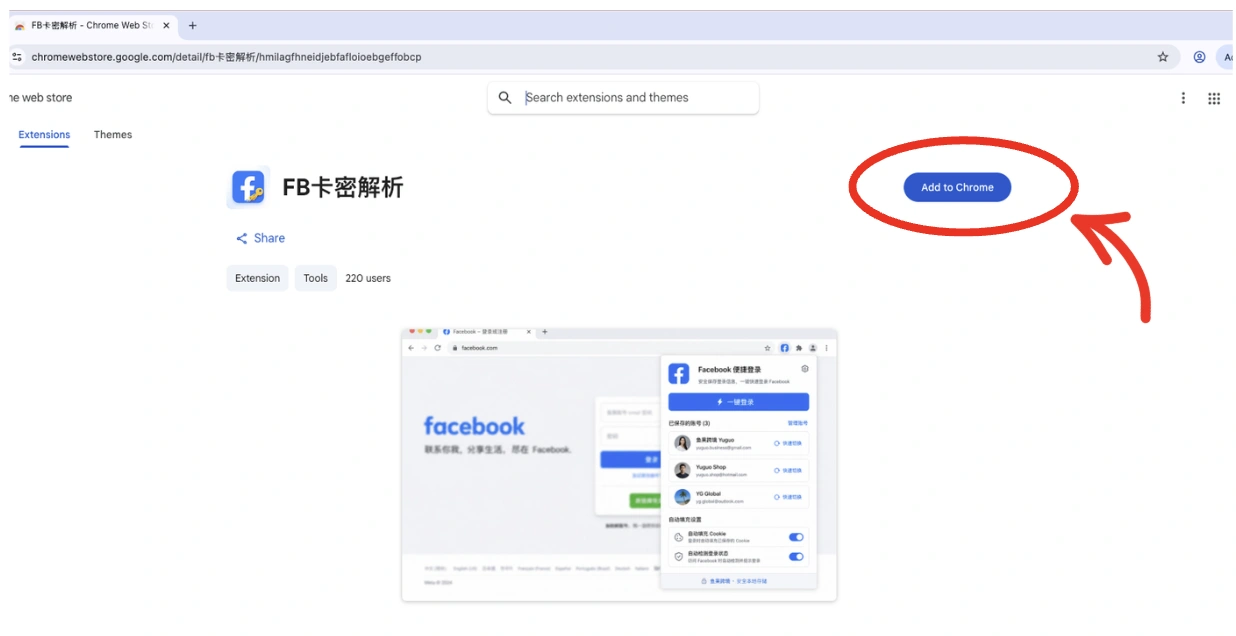
Paste the plugin URL into the address bar of your newly opened browser window, then click Add to Chrome.
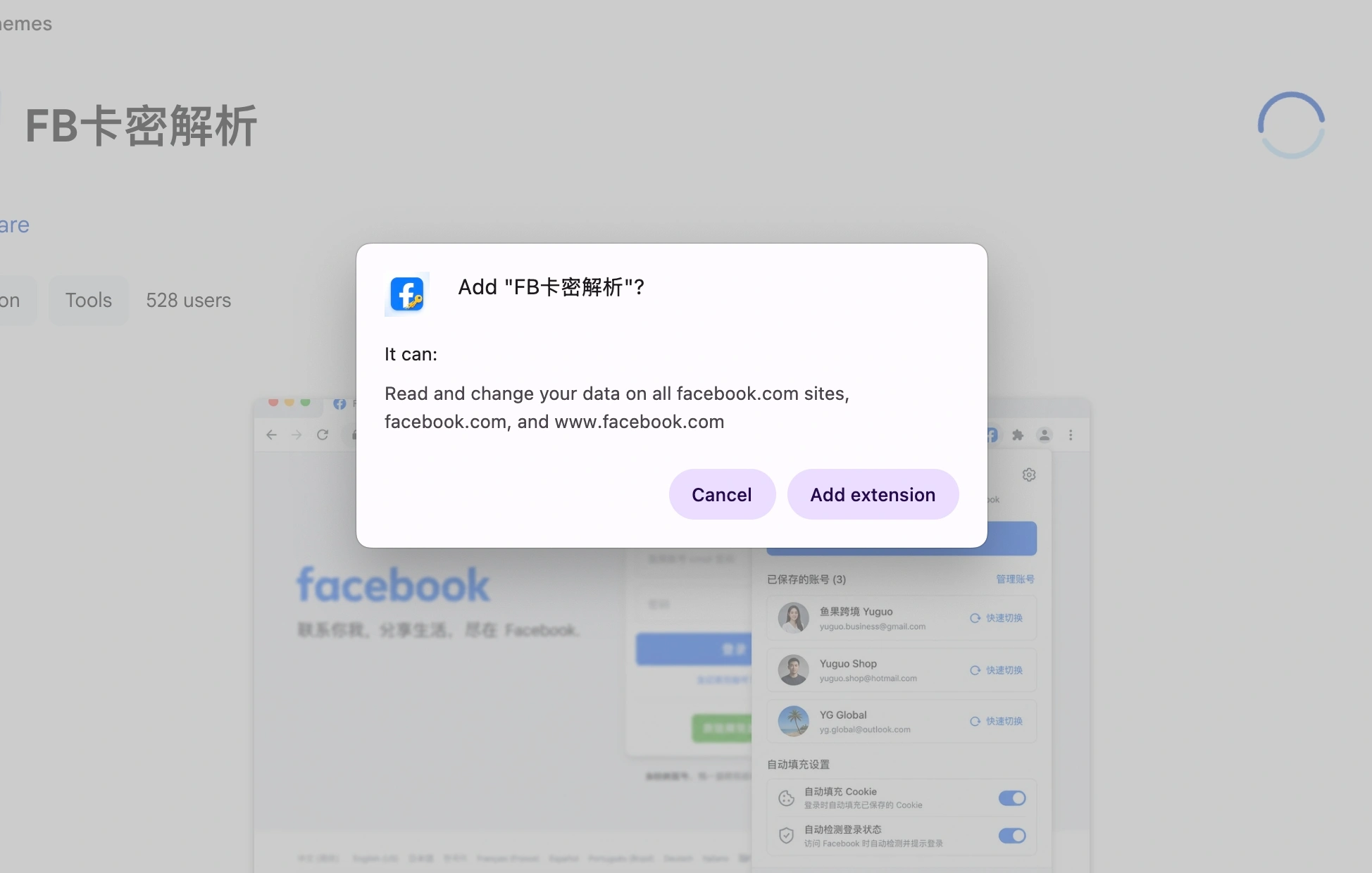
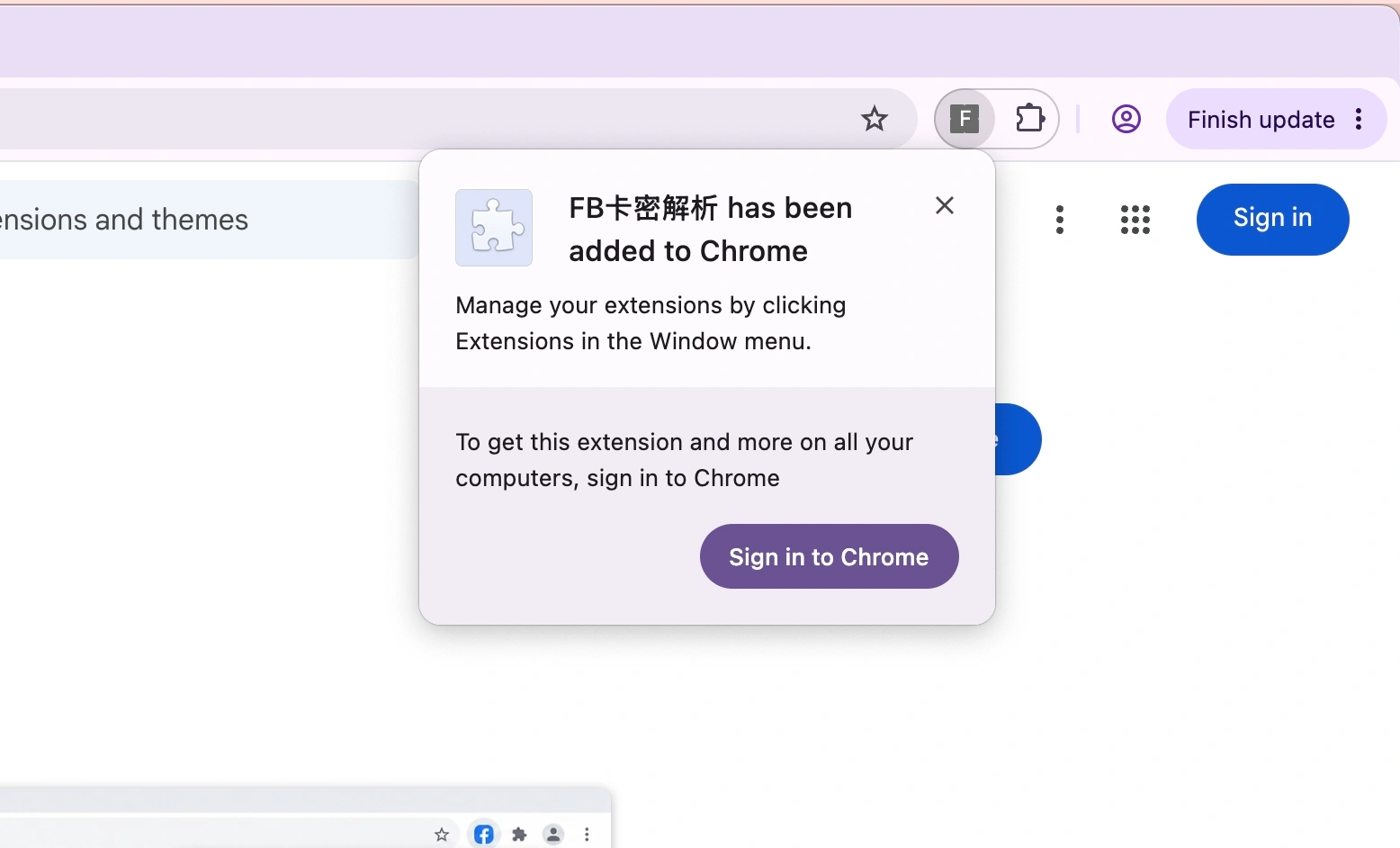
Click Add extension to finish installing.
Success — the extension has been added.
Step 2 — Import the account credentials.
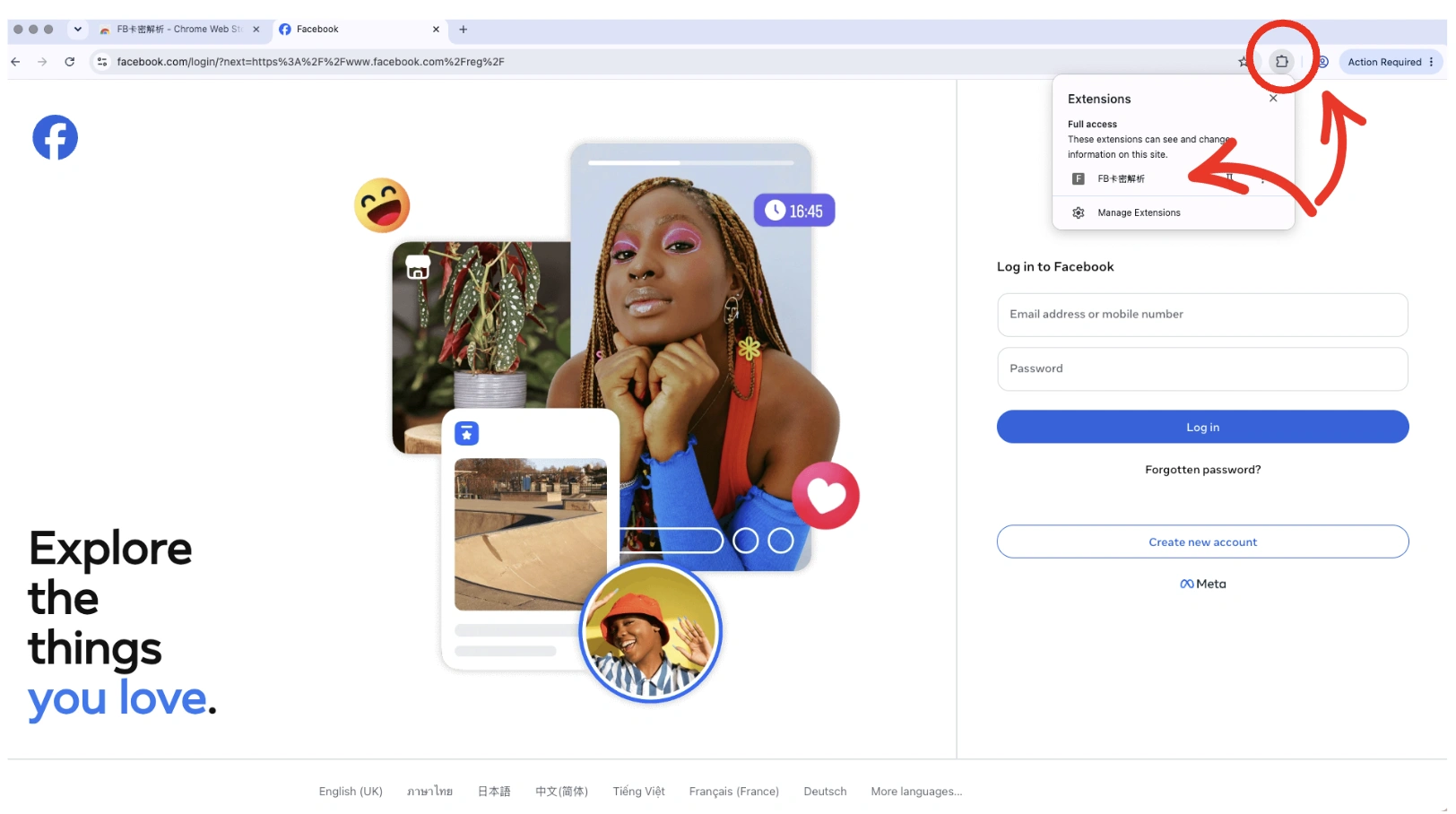
Open the Facebook login page, then open your extension.
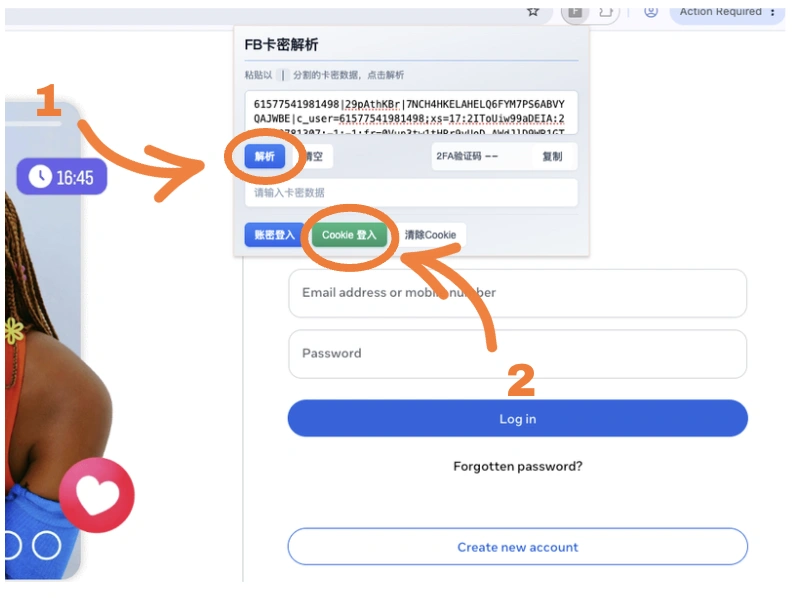
Paste the account credentials as an Original String. Keep the string exactly as provided — do not delete, edit, or rearrange any part of it.
Example format:
UID | password | 2FA_secret | cookies | token | email
After placing your string:
- Press the blue button (解析 / Parse)
- Press the green button (Cookie 登录 / Cookie Login)
Successfully logged in to the account.