Facebook / Meta — How to share Business Manager (BM)
Published on Jul 16, 2026
facebookmeta-businessbusiness-manager
How to share Business Manager (BM) with others
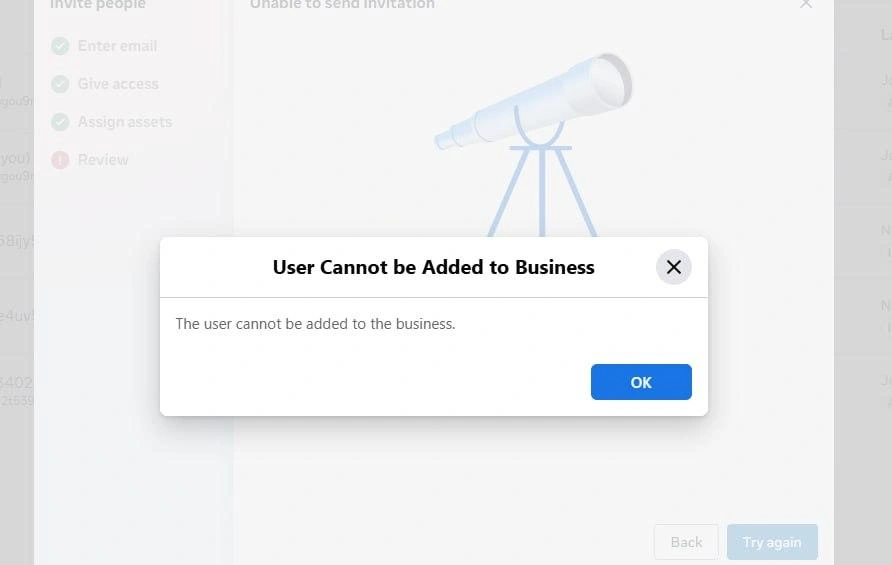
Error when inviting a Business Manager (BM) administrator
This happens because Facebook's Business Manager risk control system is preventing the addition of new administrators.
It can be easily resolved in just one step using our plugin.
How to share Business Manager (BM)
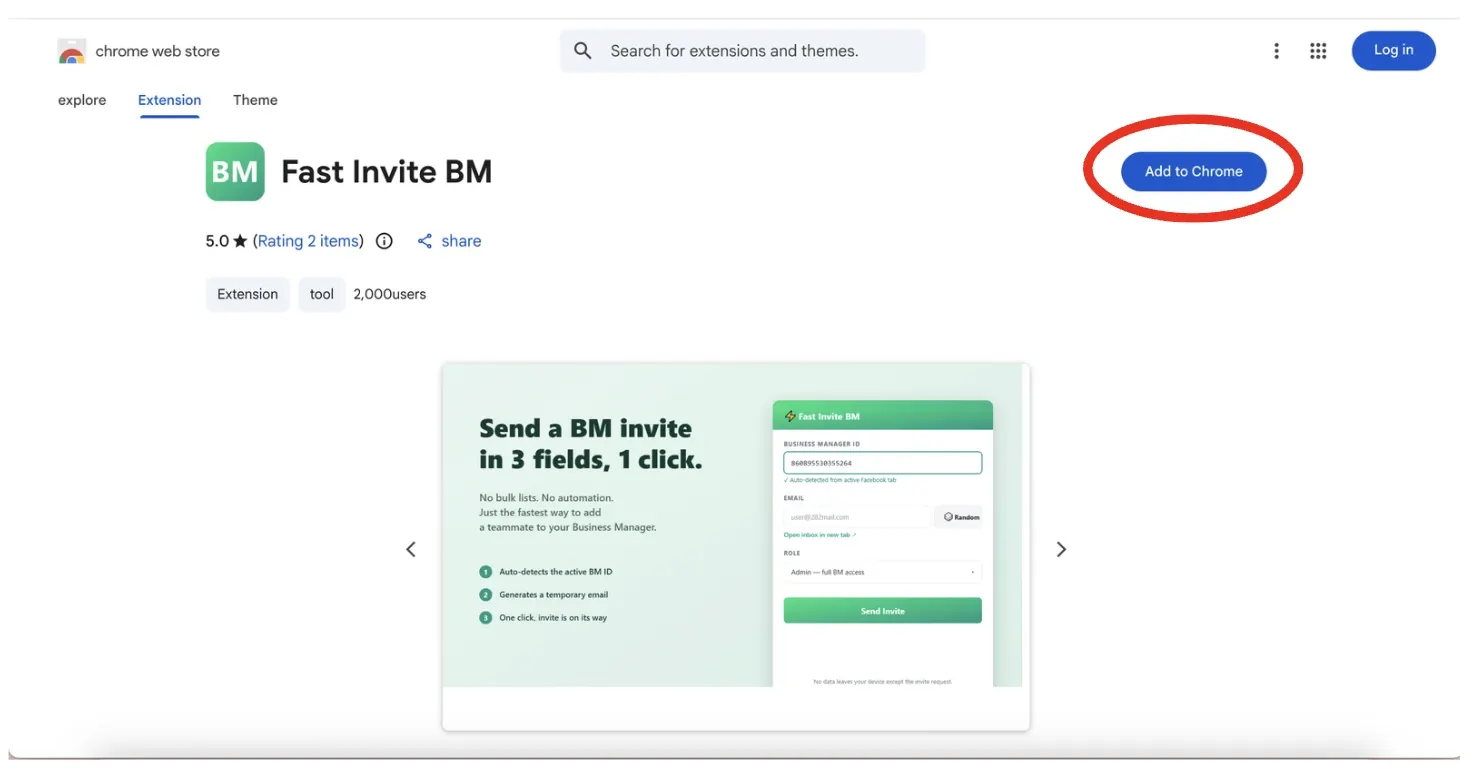
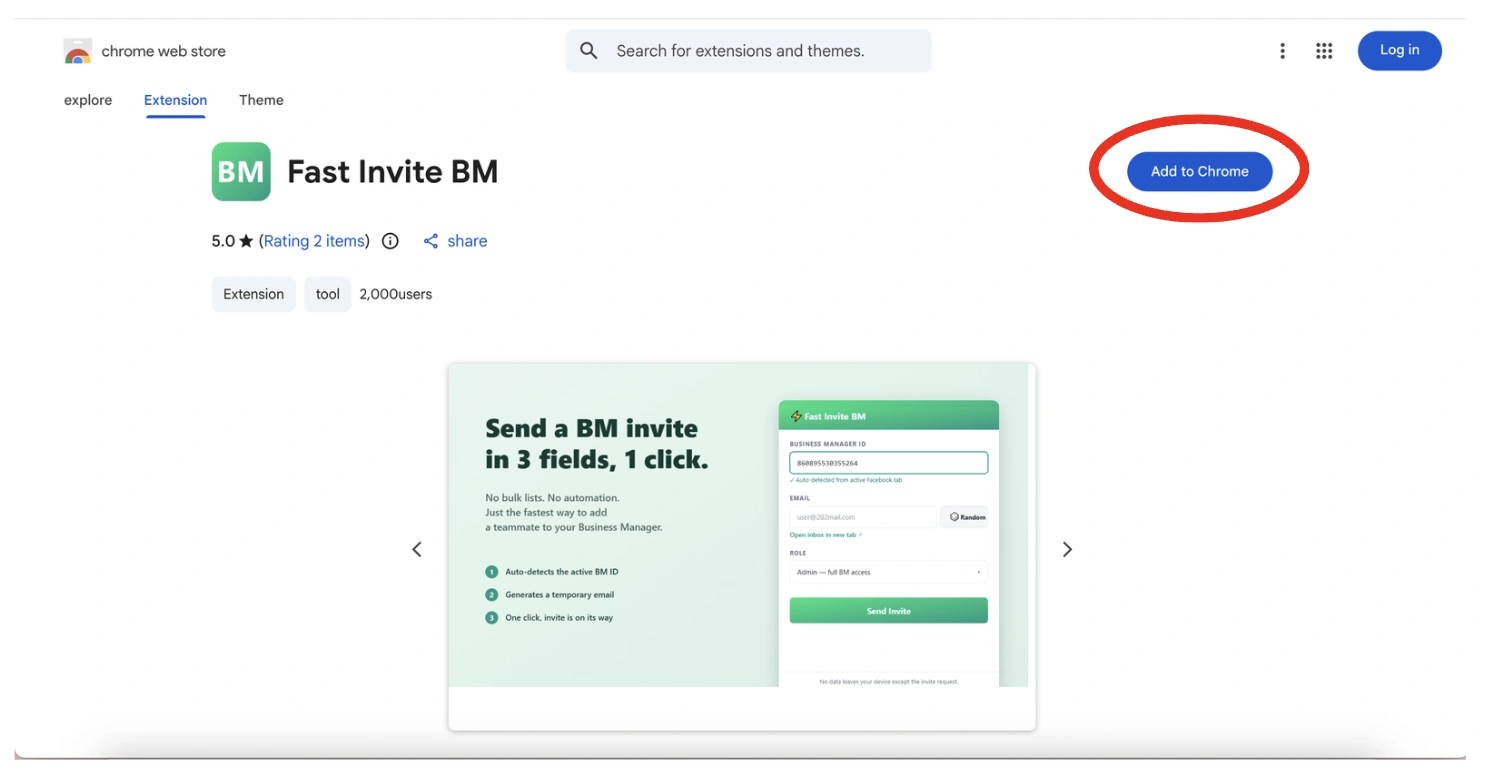
Step 1 — Add the extension plugin to your Chrome.
Open the plugin URL:
https://chromewebstore.google.com/detail/fast-invite-bm/mchodachnhhbijgofpnlipgdkoamgoia
Then press Add to Chrome to install it.
Step 2 — Open your Business Manager, then open the Fast Invite BM extension.
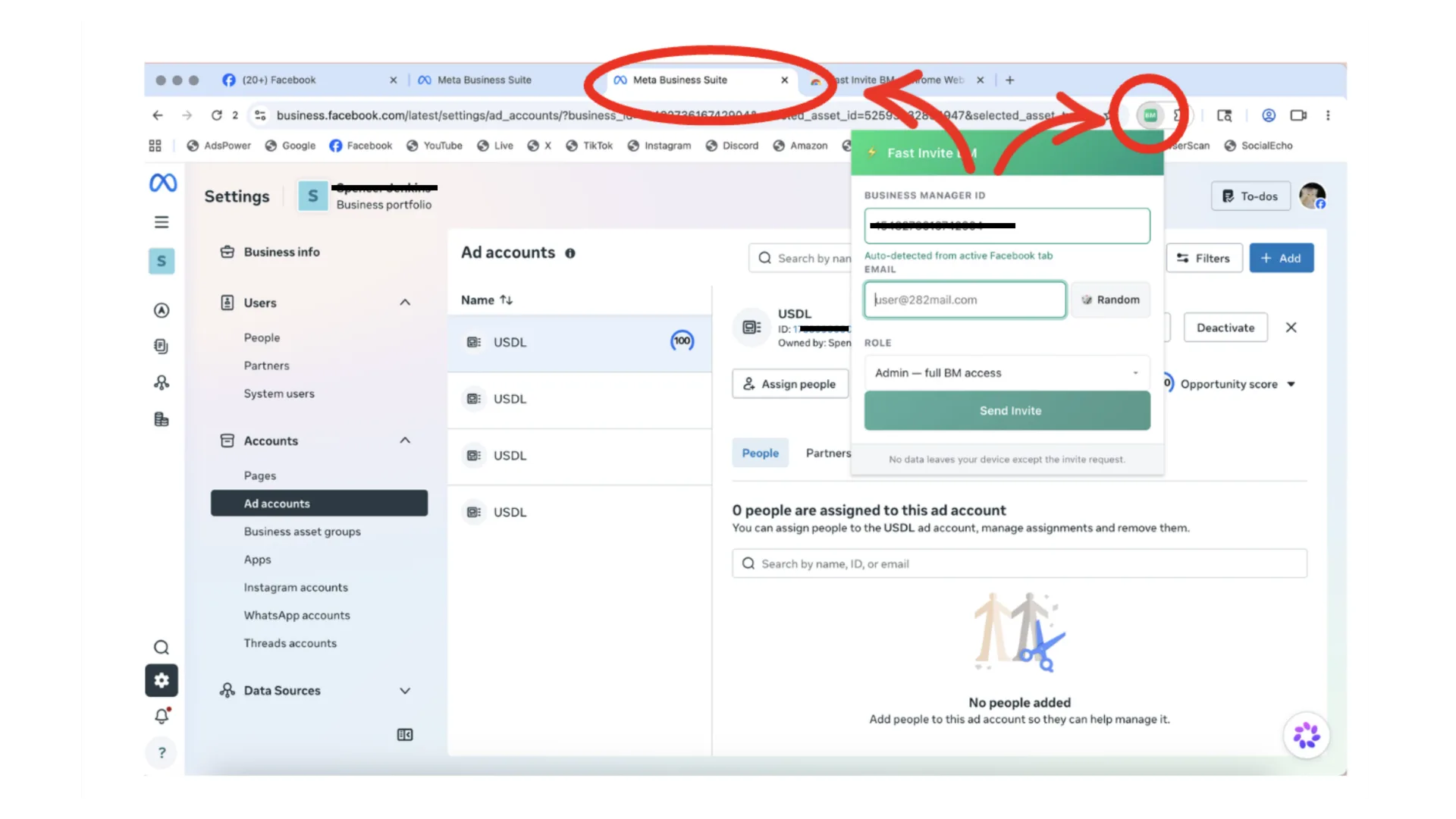
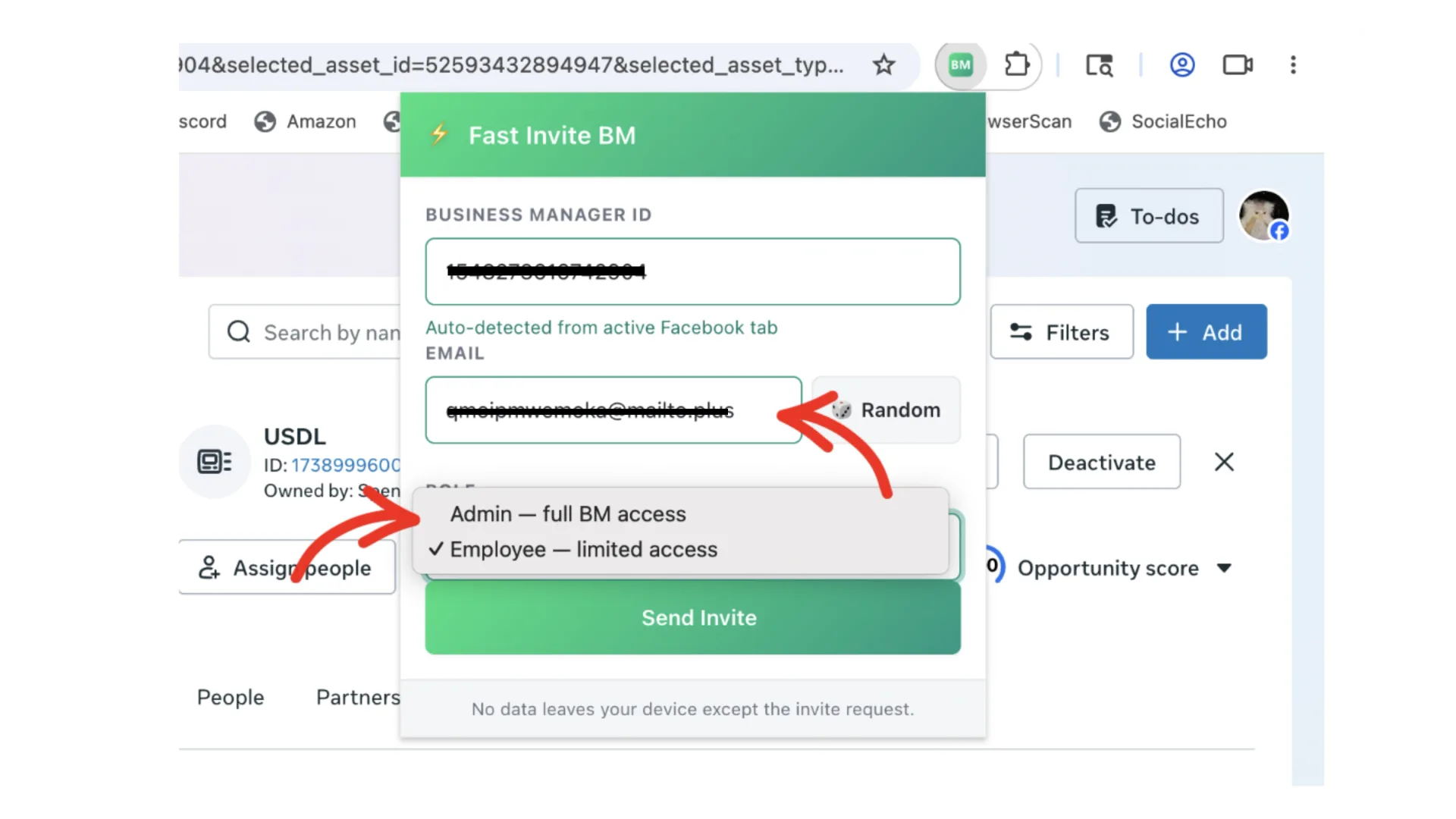
Step 3 — Enter the email linked to the Facebook account you want to share with.
Then select the access level you want to grant:
- Admin — Control the whole Business Manager
- Employee — Control only the ads access you grant to them
When ready, press Send Invite.
BM access sent — success.
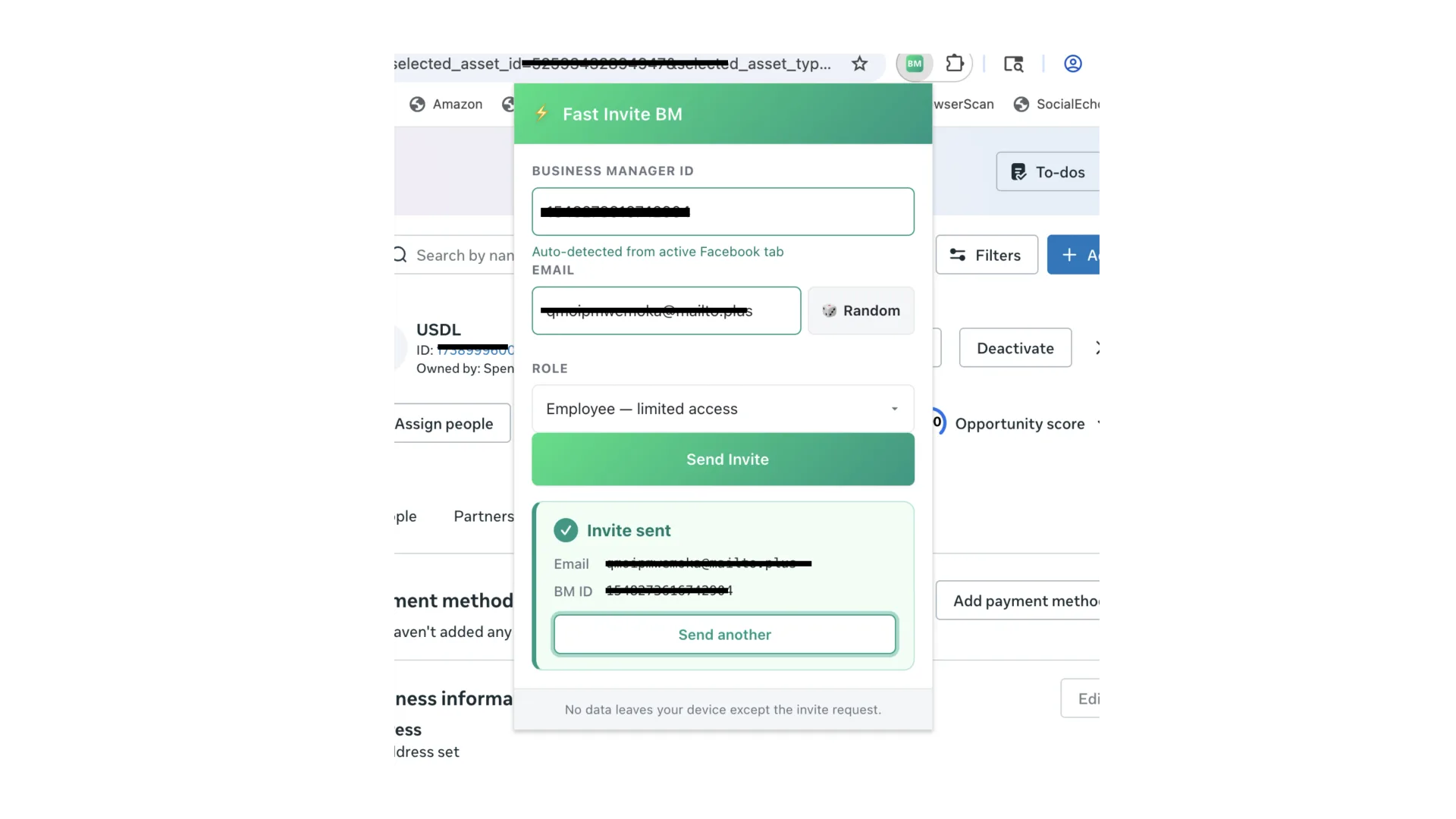
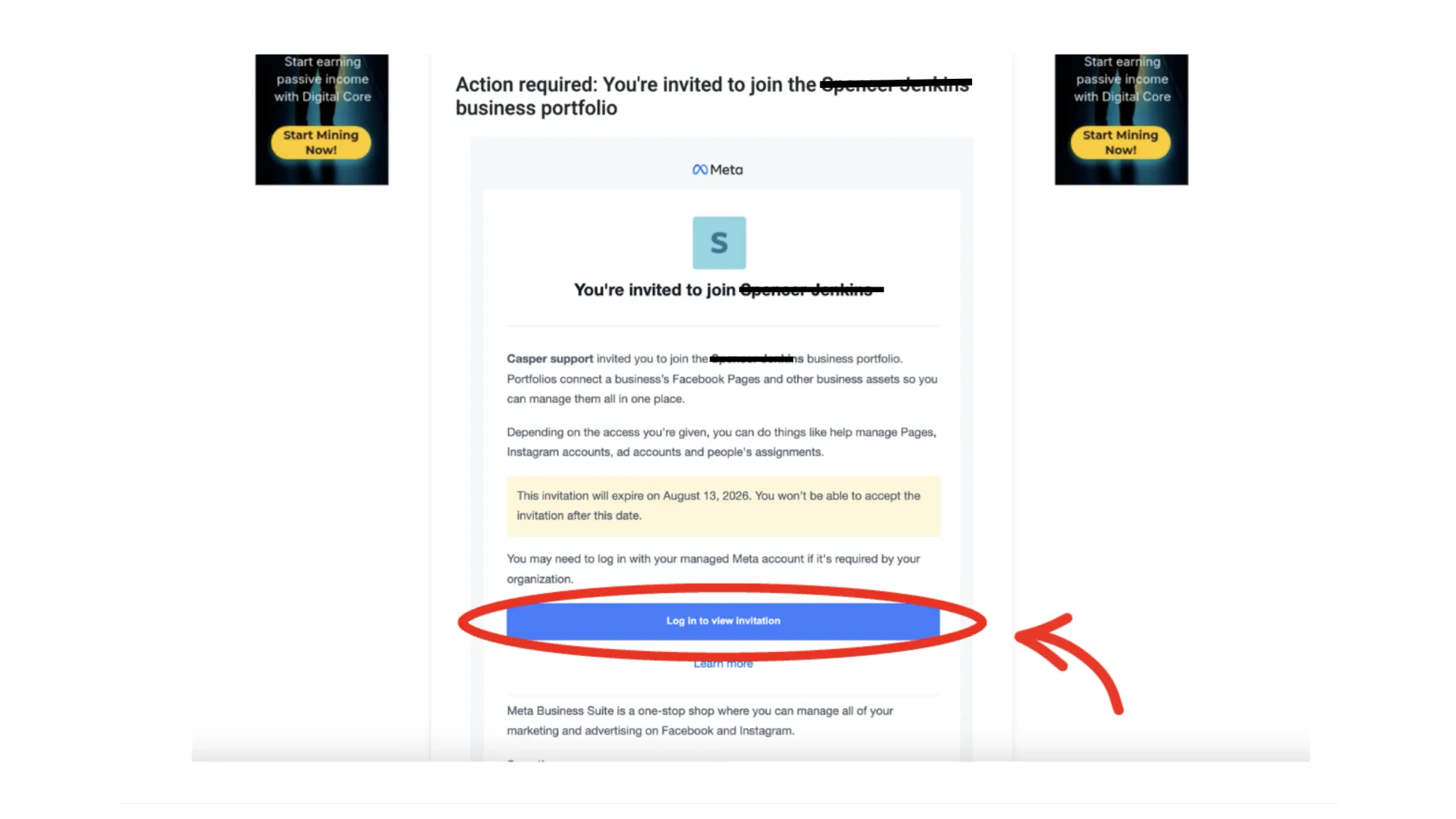
Ask the invited person to check their email, open the invitation, then confirm and accept the BM invite.