
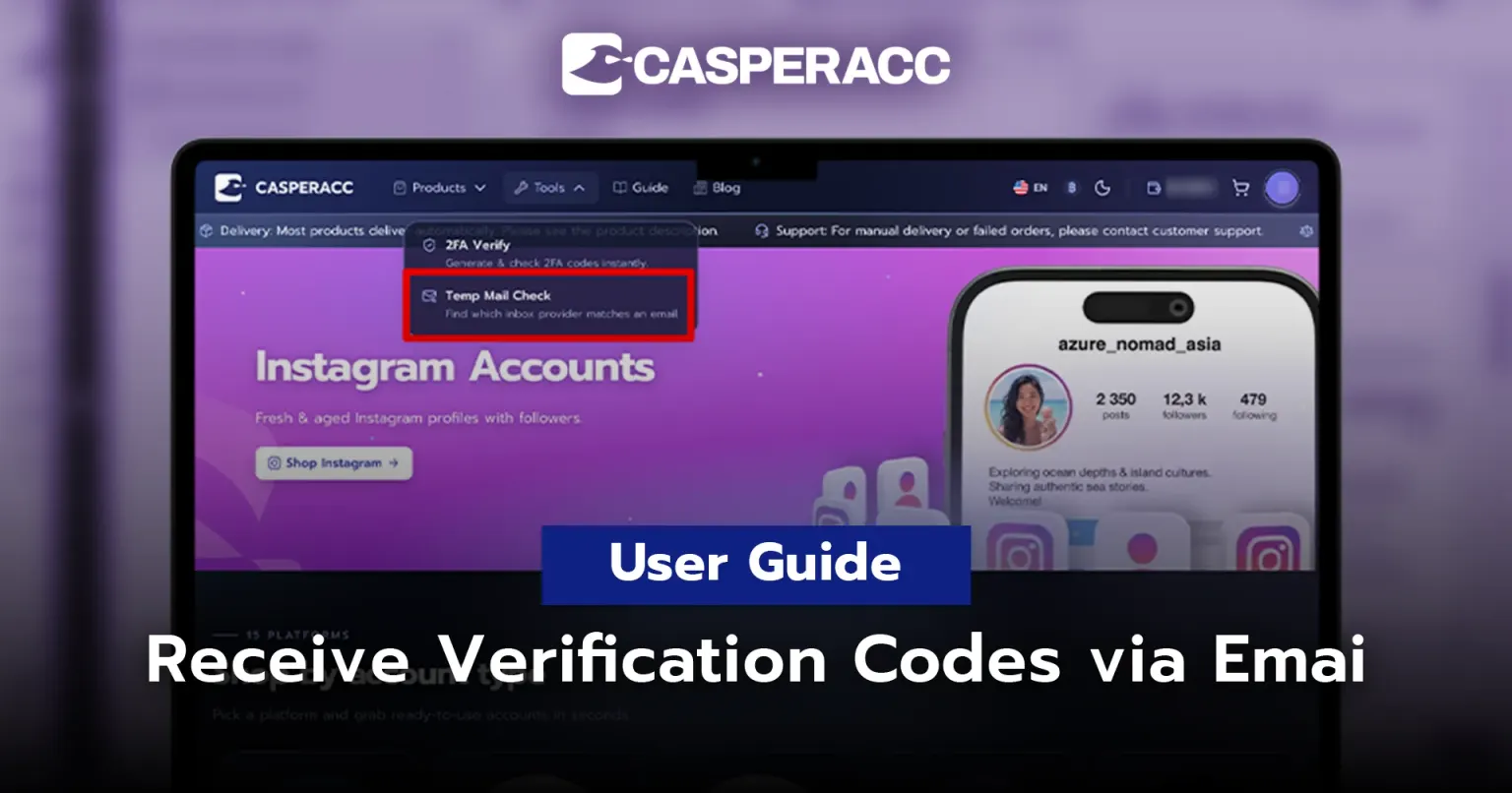
User Manual — How to Receive Verification Codes via Email
How to Receive Verification Codes via Email
For accounts that require verification via email, you can check the verification code through the temporary email website specified in your order details.
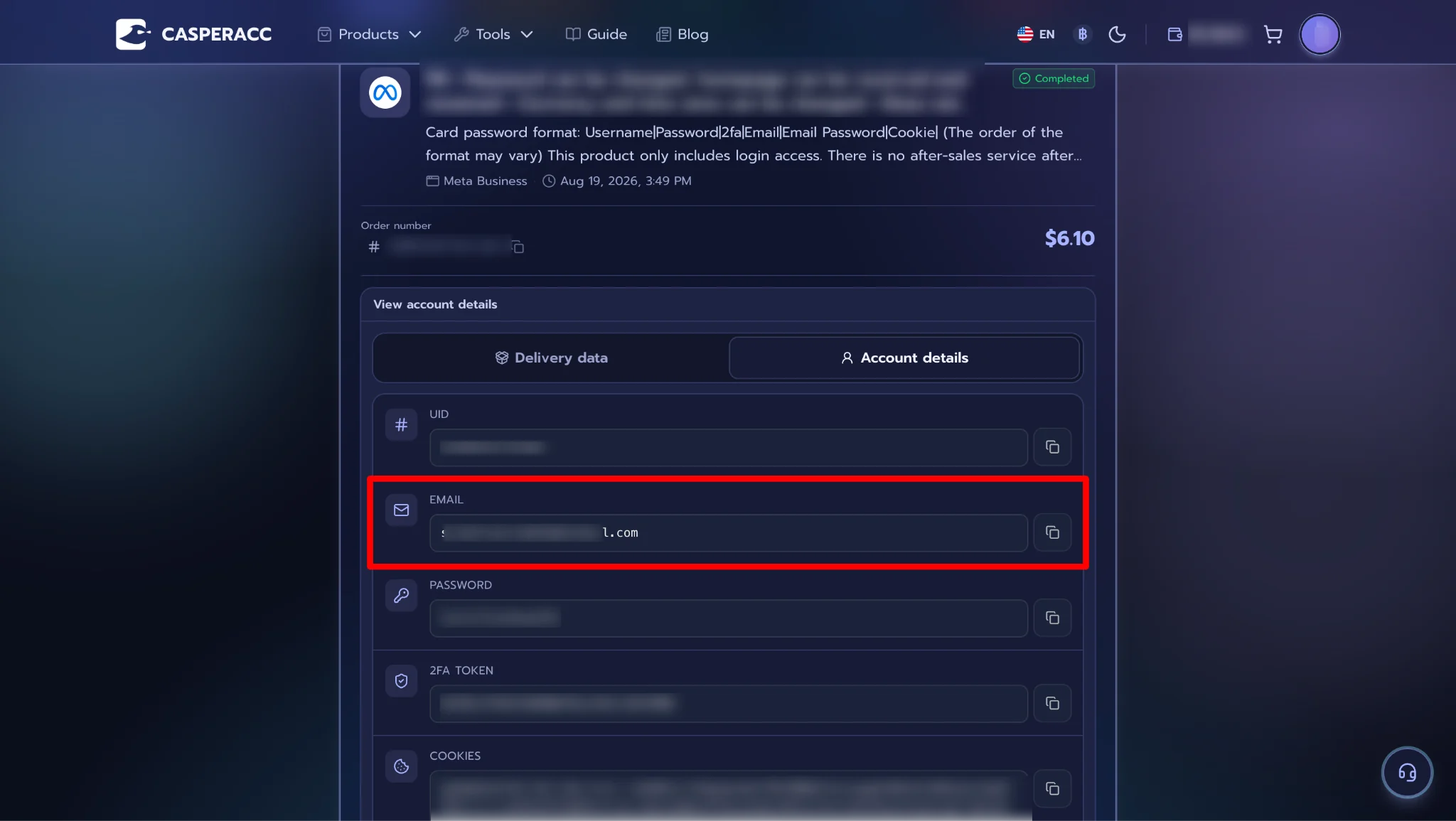
Step 1 — Go to your Order Details and copy the email address to check which website is used to receive emails for your account.
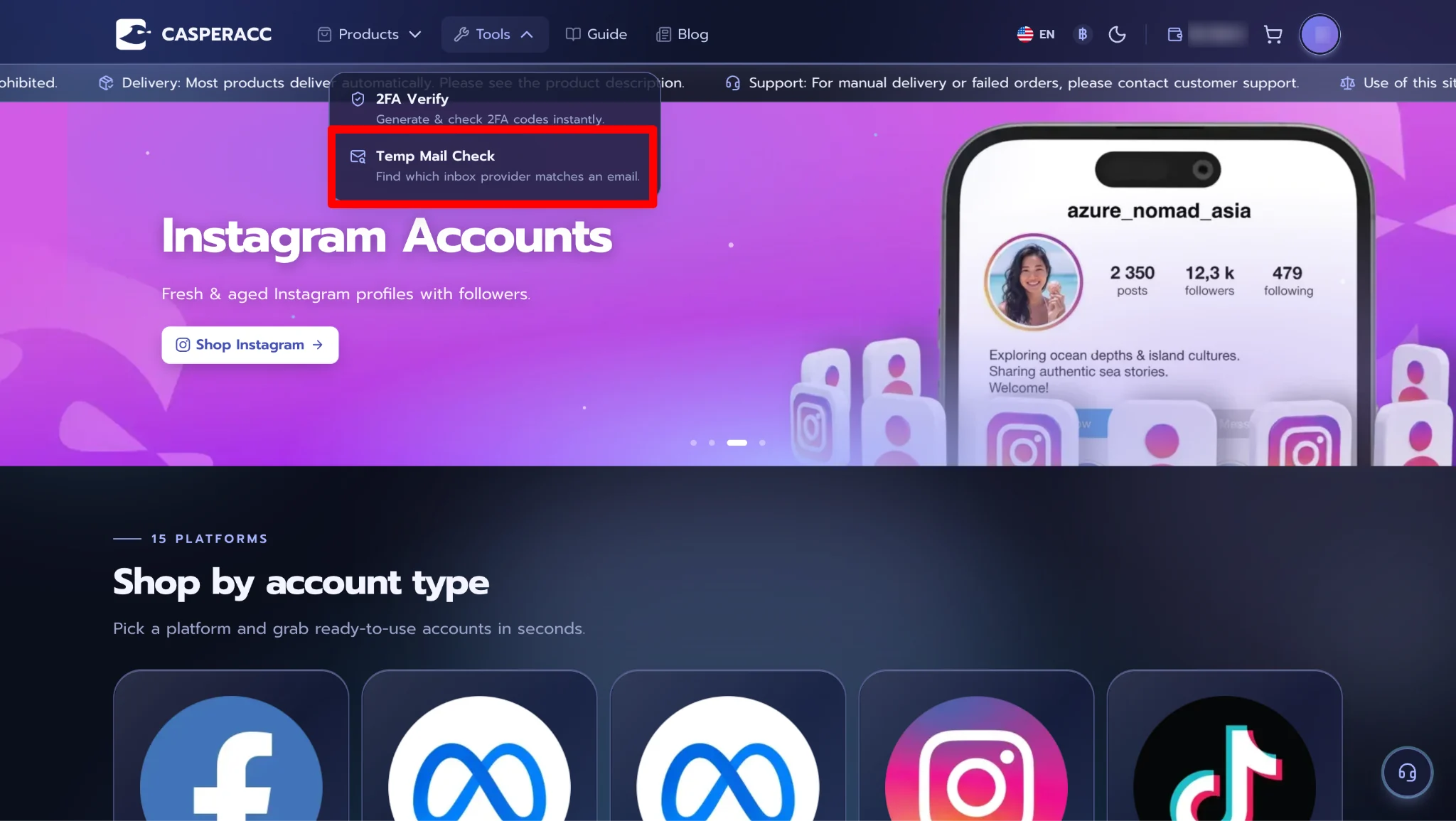
Step 2 — Open Tools on the homepage and select Check Temporary Email.
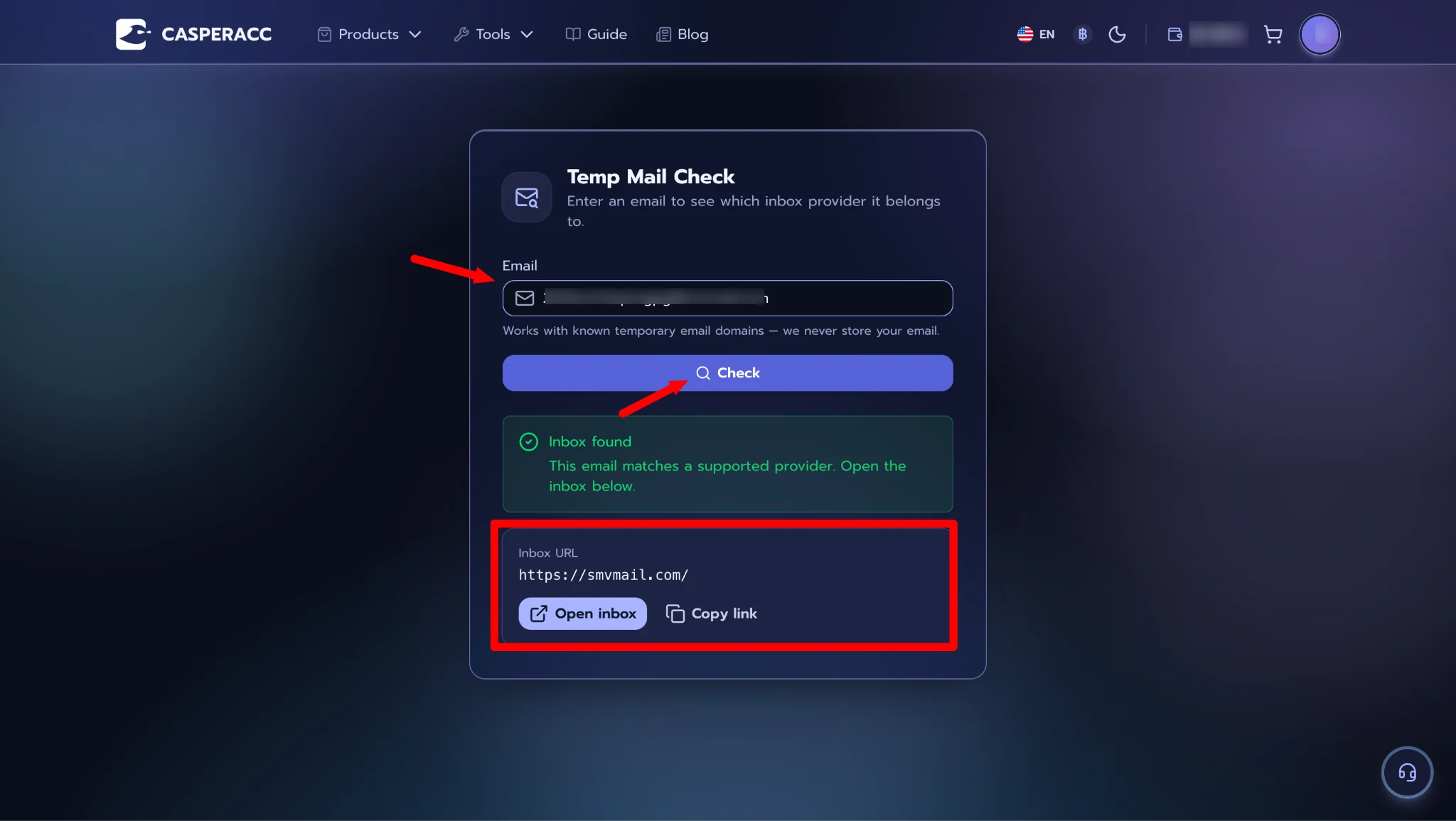
Step 3 — Check the temporary email website and click Open Inbox or copy the provided link to access the website.
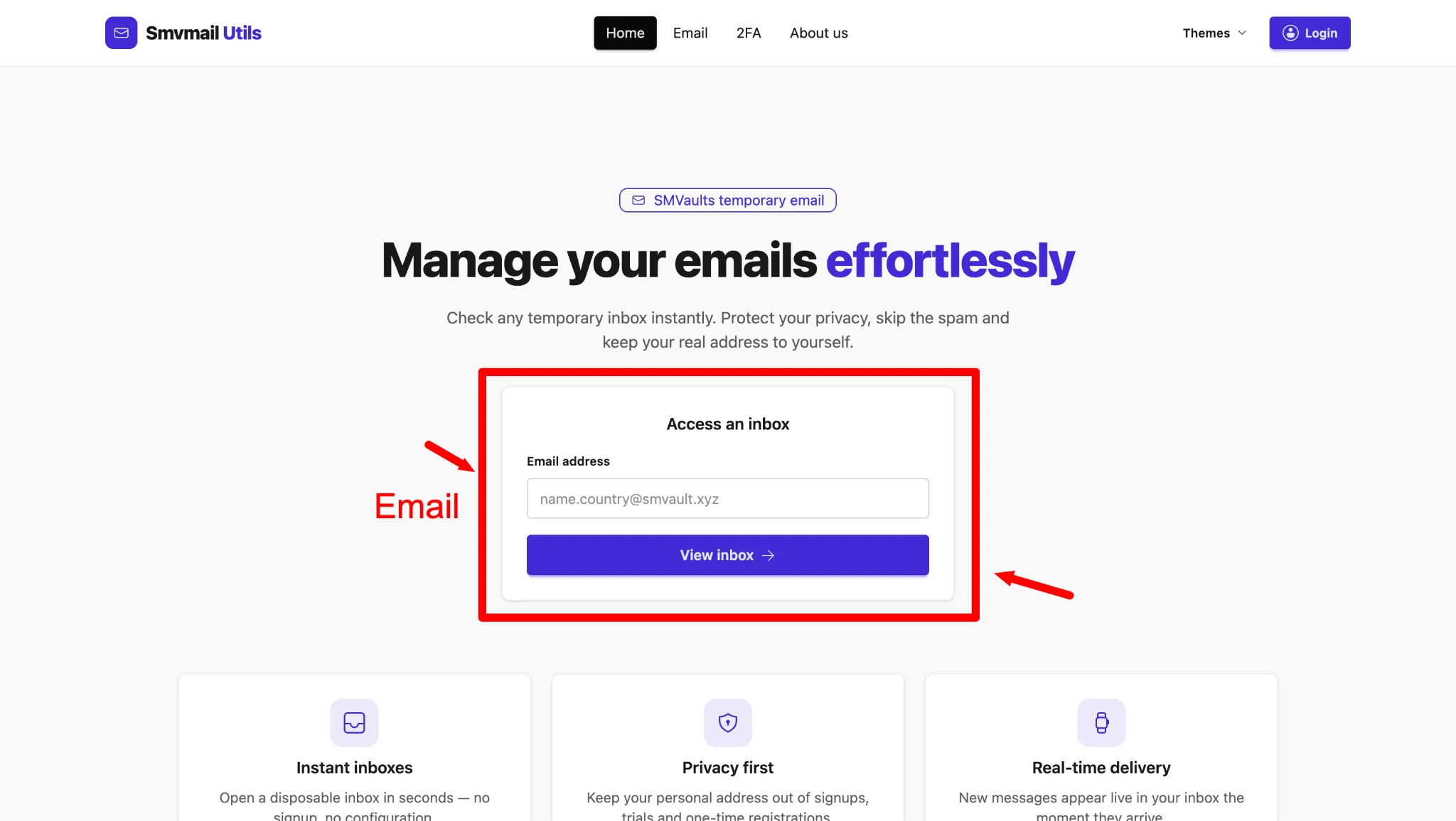
Step 4 — Enter the email address as required by the website and request a verification code. Then, check your inbox for the Verification Code sent by email.
Step 5 — Copy the received code and use it to verify your Facebook account.
Note: The temporary email website may vary depending on the order and product purchased. Please check the website specified under Temporary Email in your order details.
If the email information does not appear on casperacc.com, you can search for the email domain on Google to access the website directly.