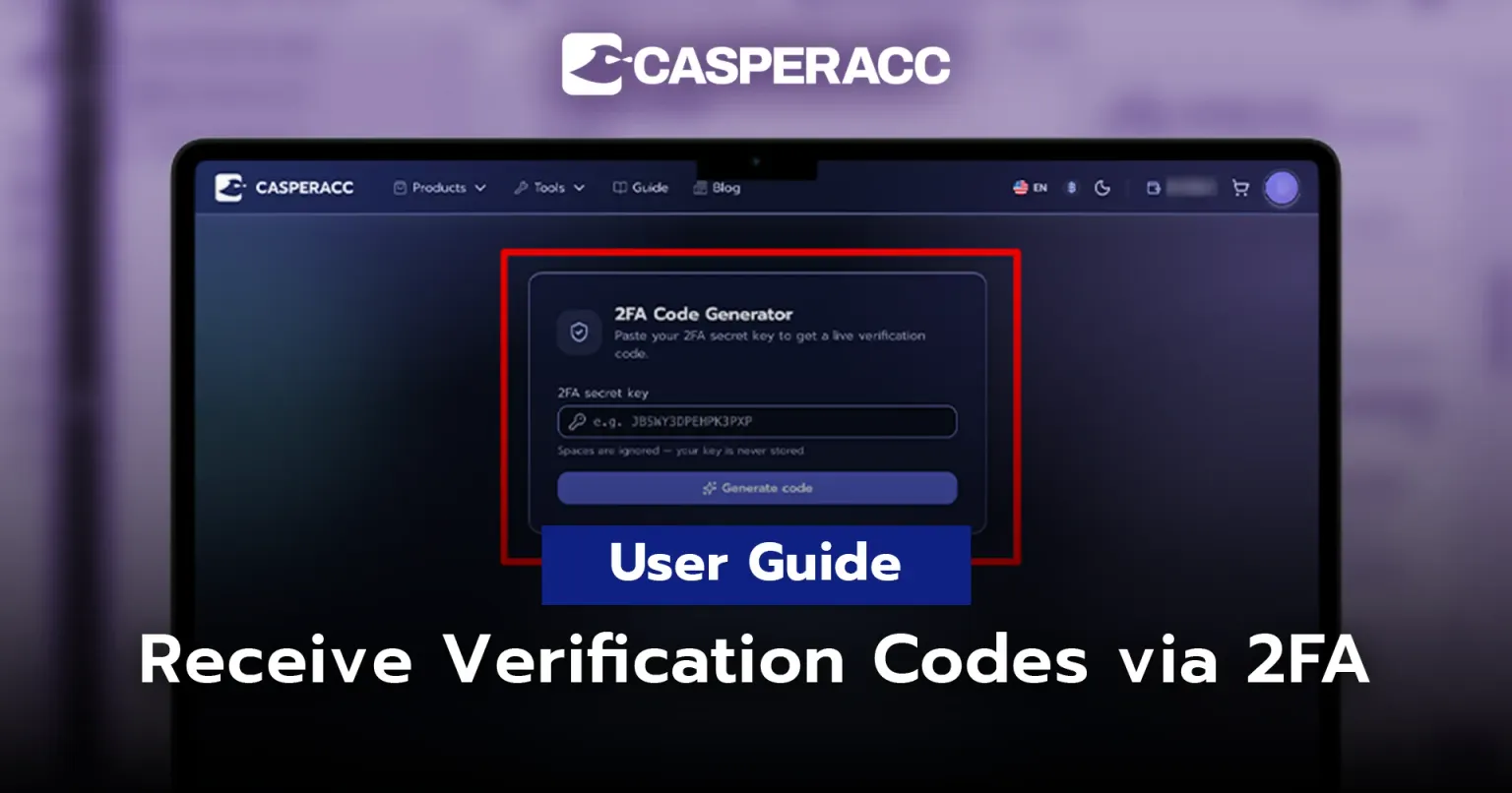
User Manual — How to Receive Verification Codes via 2FA
How to Receive Verification Codes via 2FA
After receiving your order, Facebook may request a 2FA (Two-Factor Authentication) code during the login process to verify your identity.
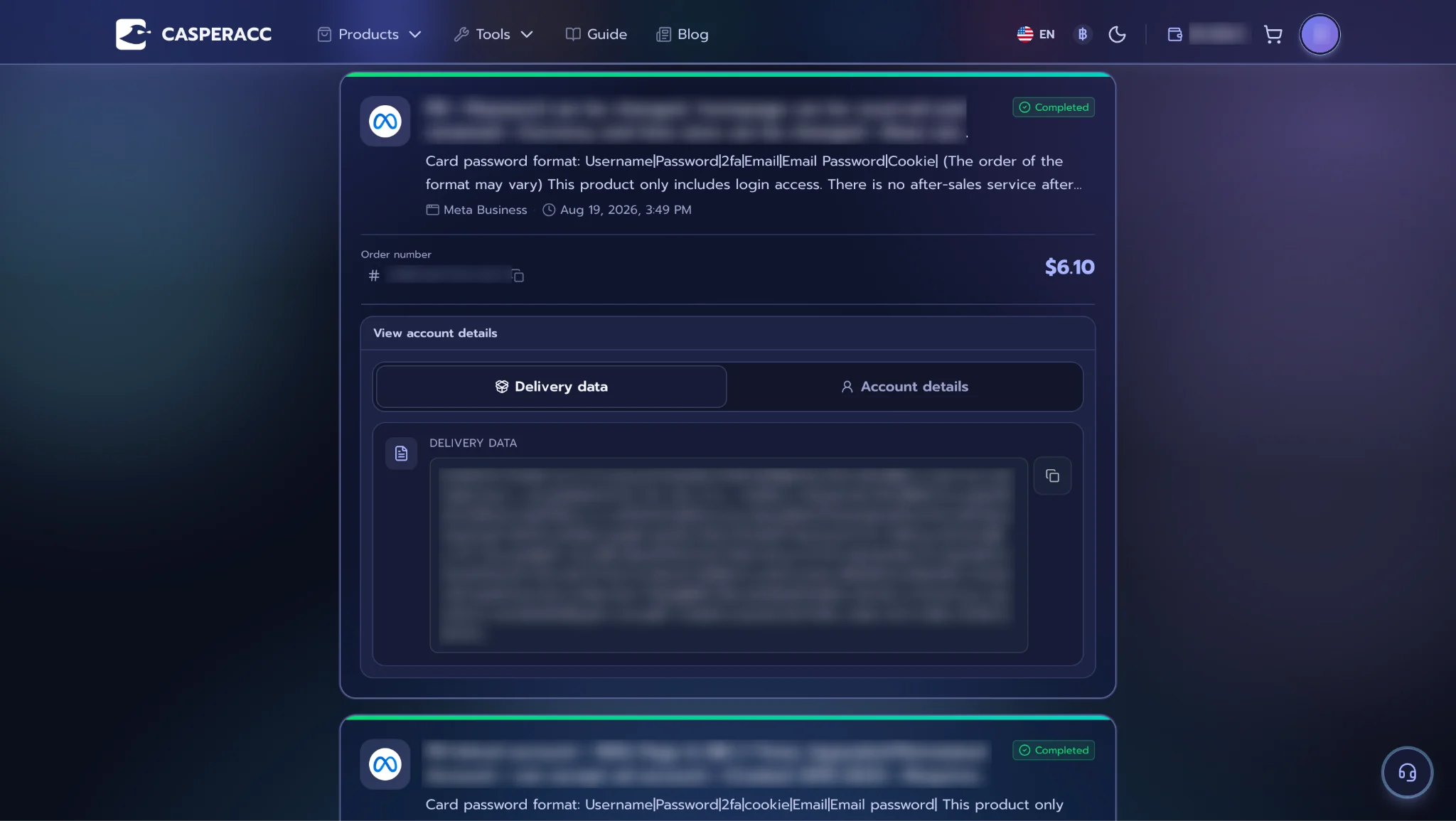
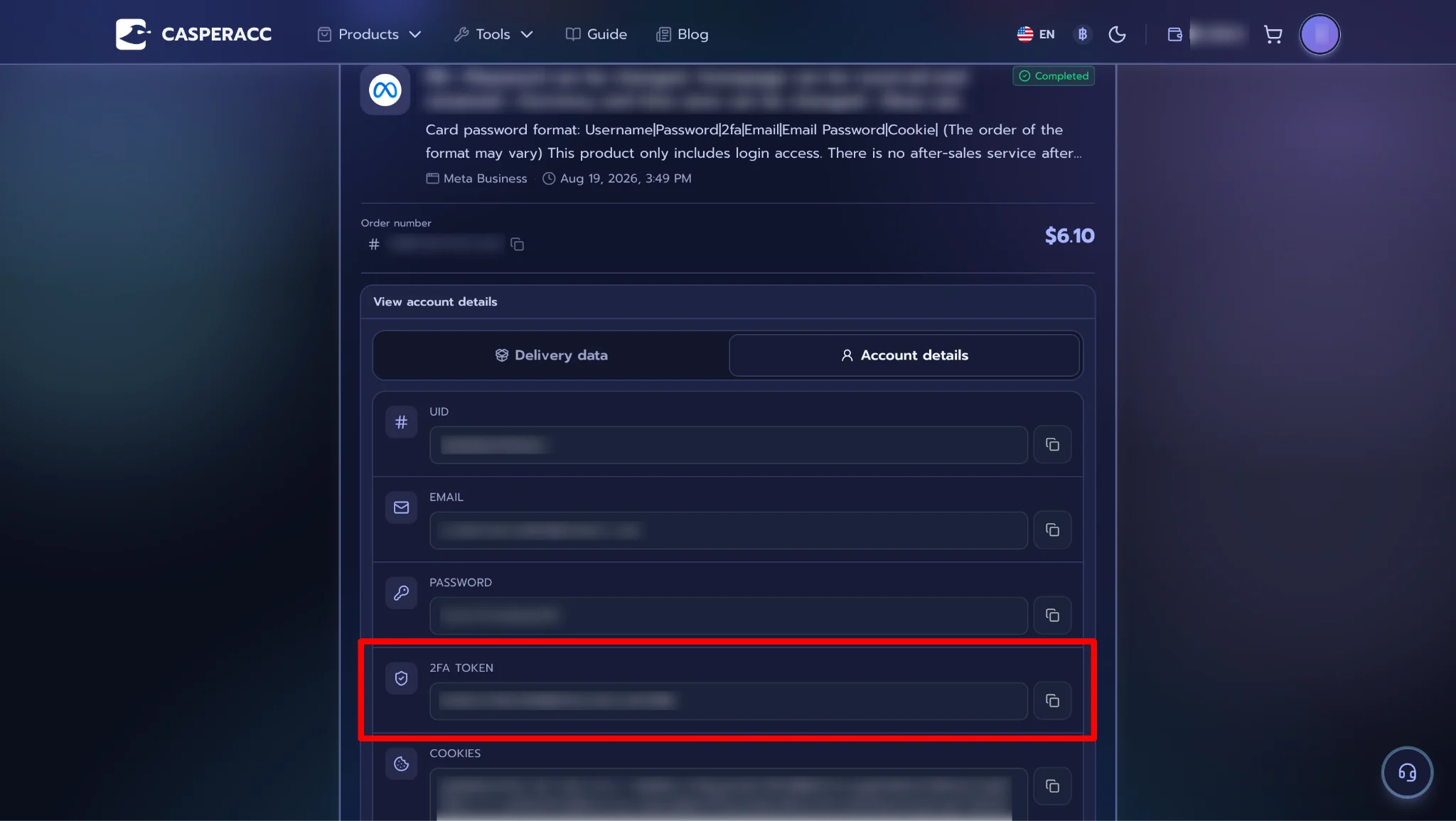
You can find the 2FA (Secret Key) in your Order Details and use it to proceed with one of the methods below.
Method 1: Generate and Receive a 2FA Code Using the Secret Key
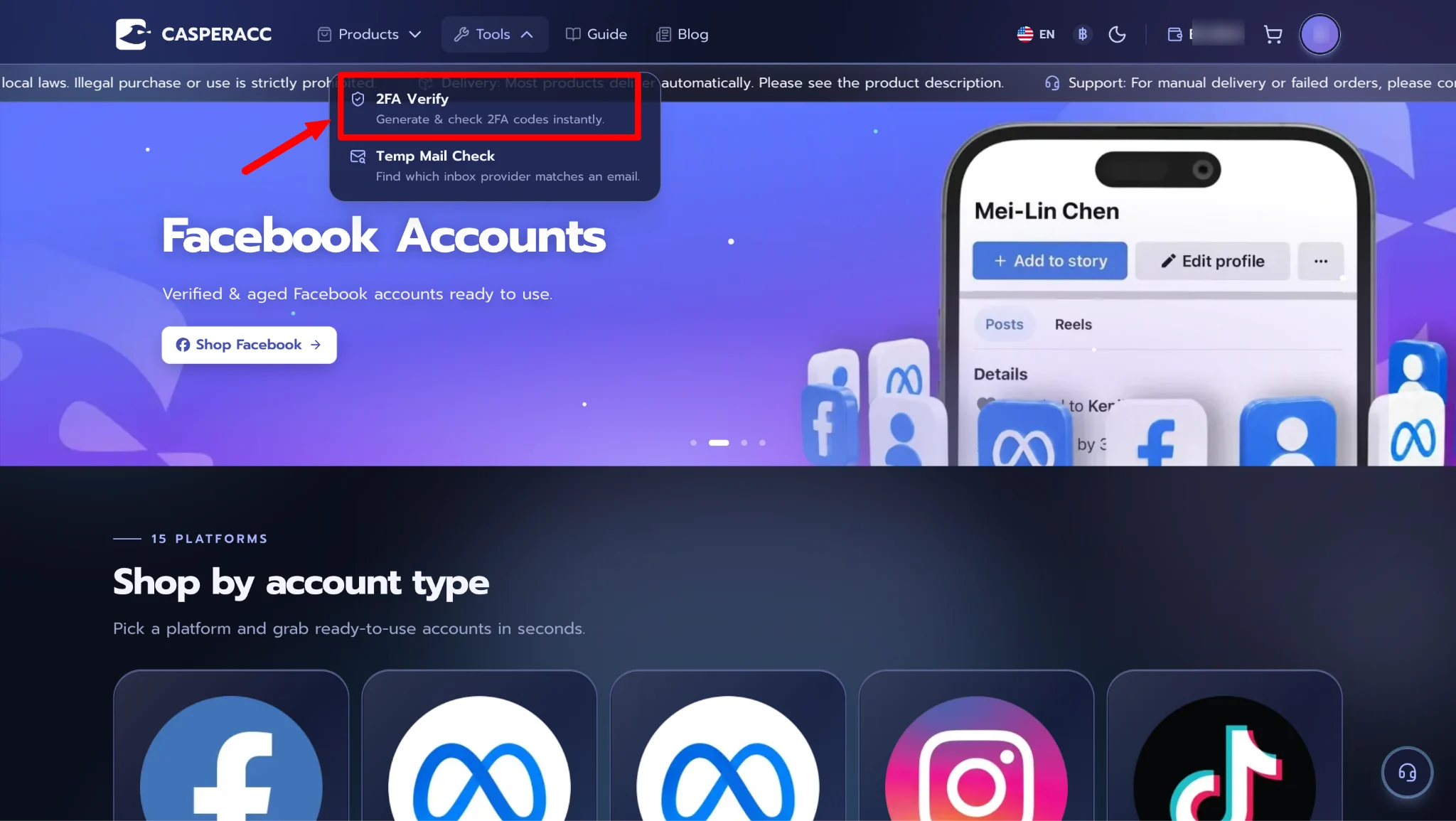
Step 1 — Open Tools on the homepage and select 2FA Verification.
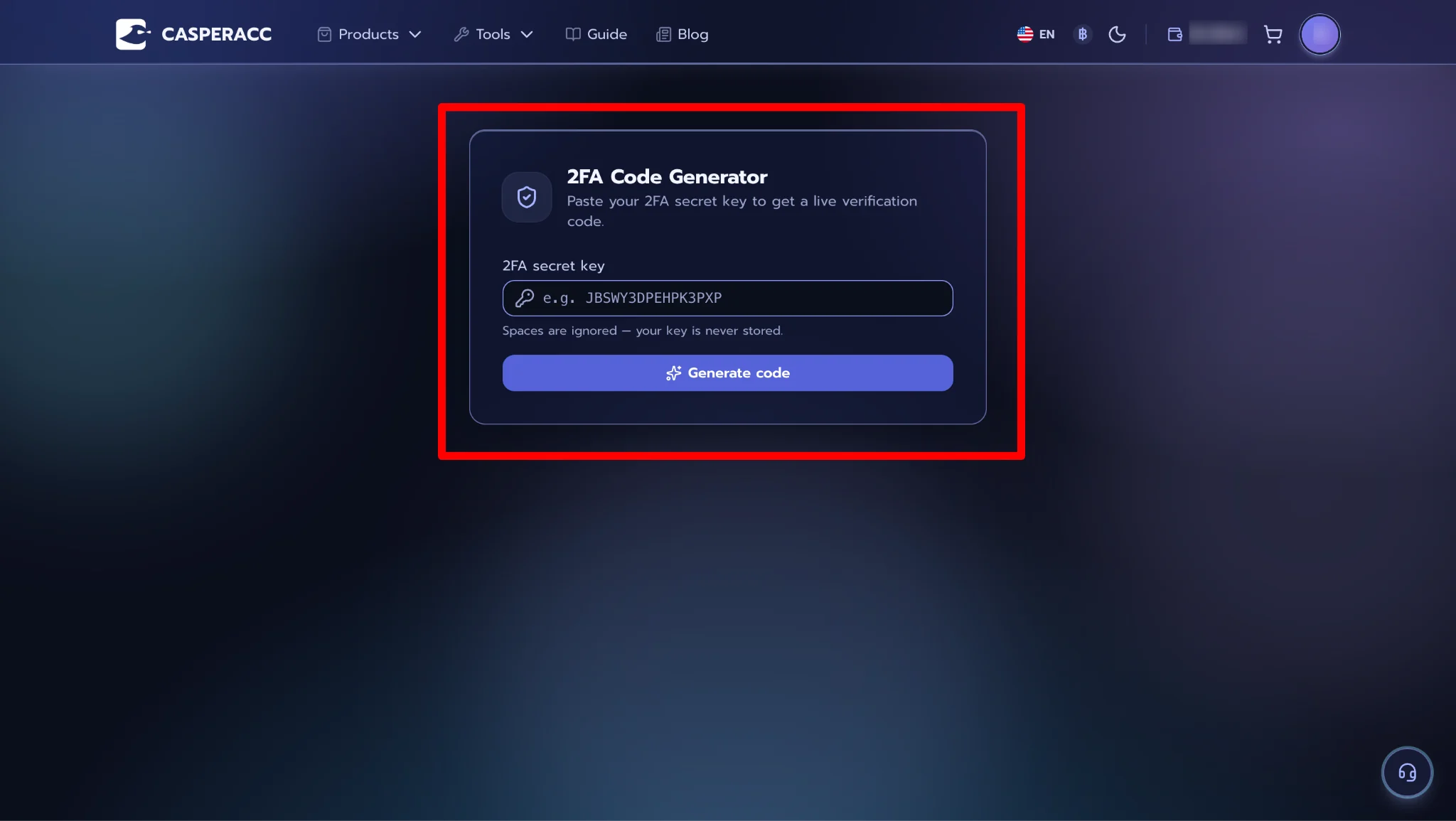
Step 2 — Copy the 2FA (Secret Key) from your order details and enter it in the 2FA Code Generator (Secret Key) field. Then, click Generate Code.
Step 3 — Copy the generated 2FA code and use it to complete the Facebook login process.
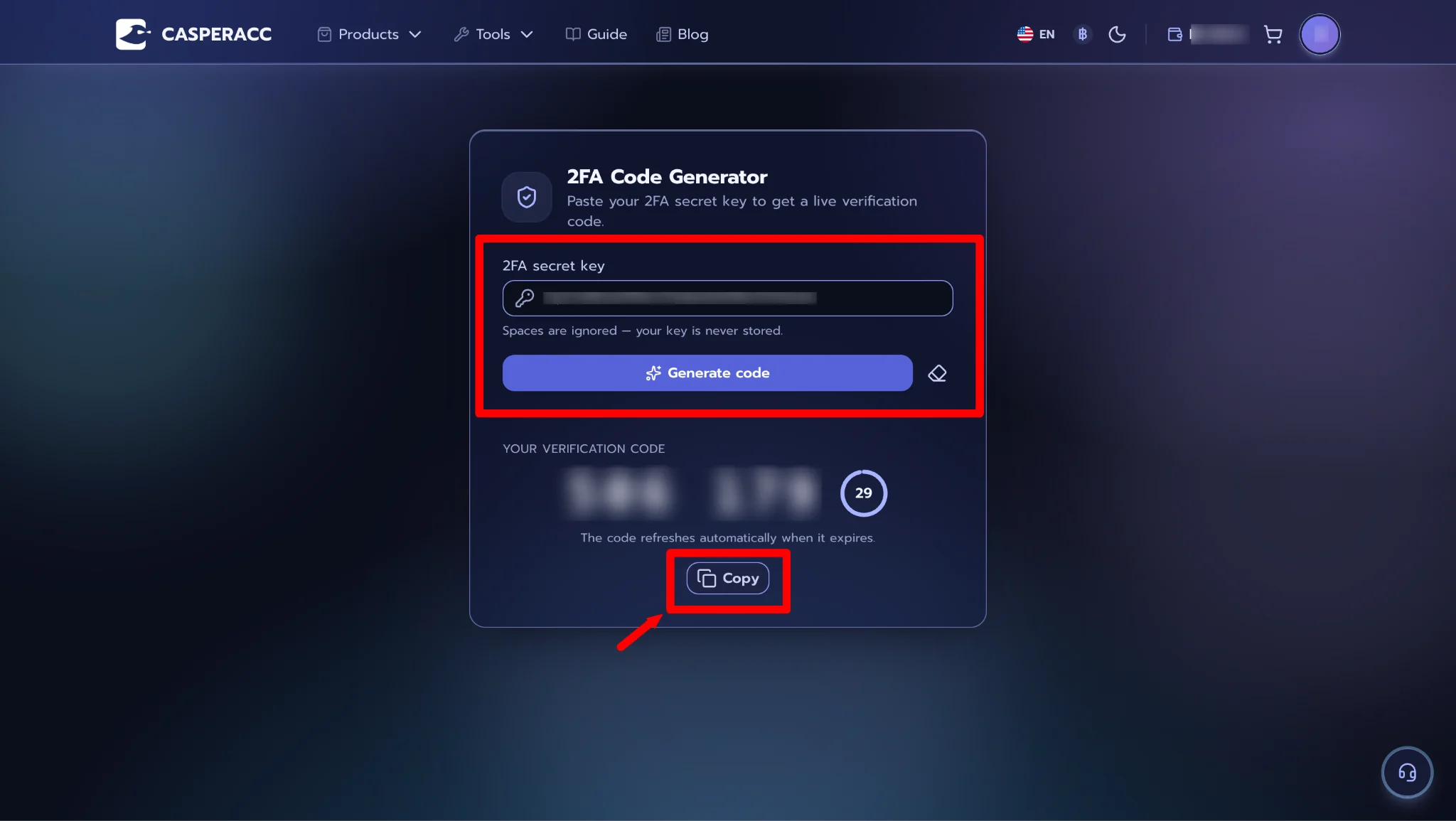
Note: The 2FA code changes every 30 seconds. If the code does not work or has expired, generate a new code and try again.
Method 2: Receive the 2FA Code When Logging in with a Cookie
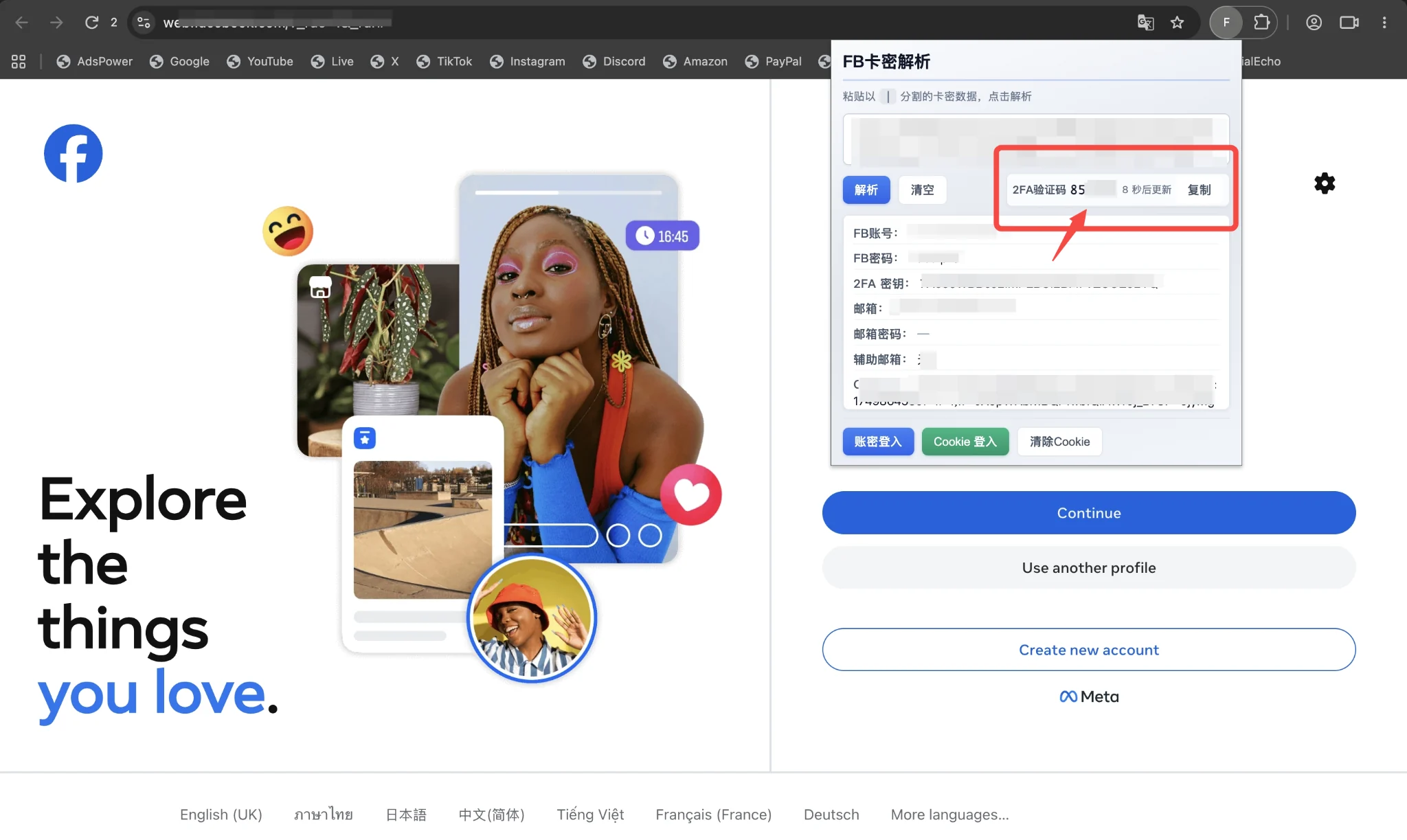
This method is another option for users who have installed the plugin and are using it in their browser.
After logging in with the Cookie, you can find the 2FA code in the plugin. For instructions on how to log in with a Cookie, please refer to Facebook — Account login via Cookie.